Canal de difusión: la lista de difusión de Instagram y qué resuelve

Por Tiago Costa·Actualizado el 5 de agosto de 2026

Definición
El canal de difusión es una conversación de una sola vía dentro de Mensajes.
- Solo el administrador publica. Los suscritos leen, reaccionan y votan.
- Entrega directa en la bandeja, sin ranking de feed de por medio.
- Audiencia pequeña y caliente, formada solo por quien se suscribió.
- La invitación por Historias, perfil o enlace es lo que lo hace crecer.
Qué es y por qué existe
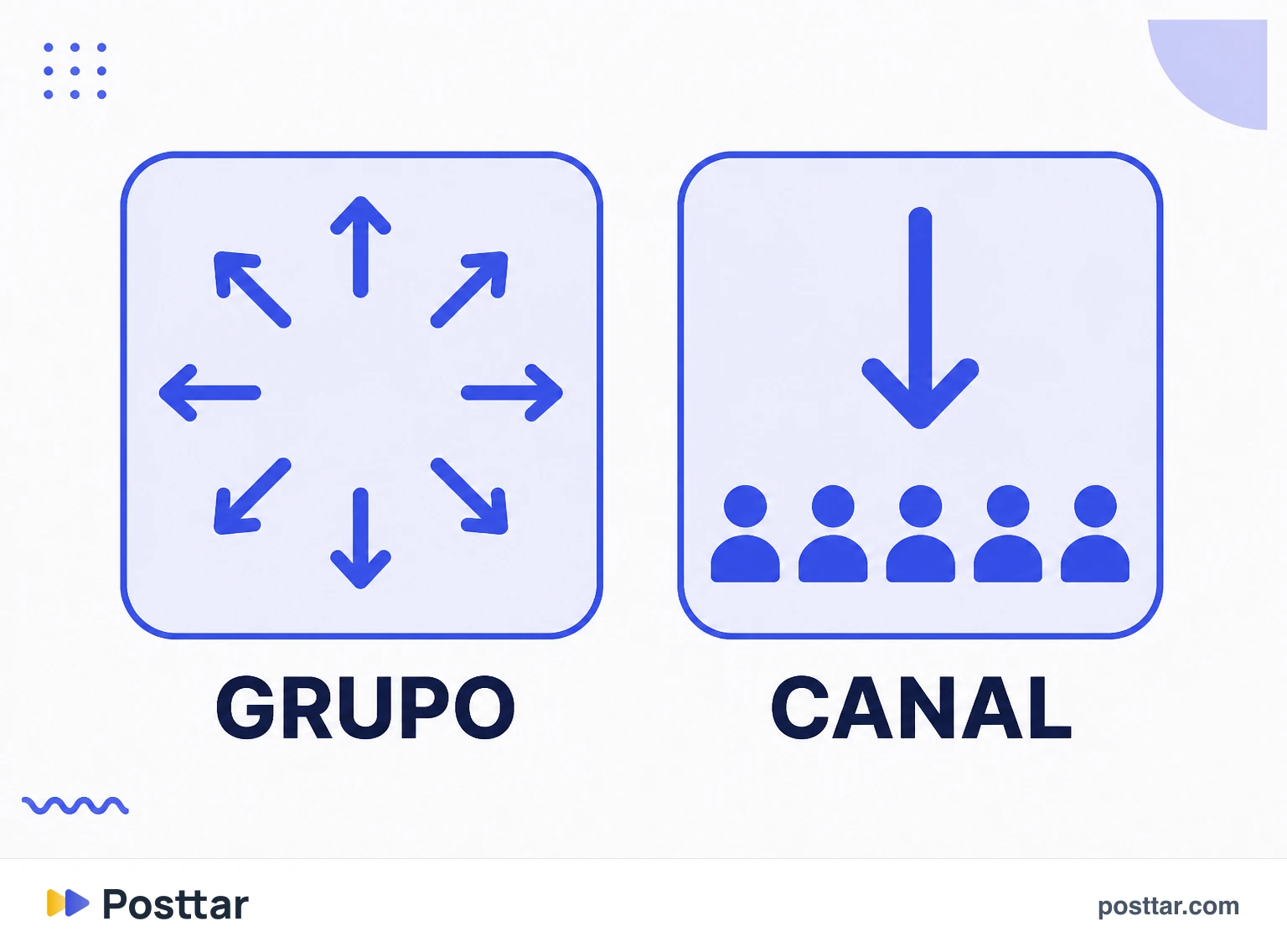
El canal de difusión vive dentro de los mensajes, pero no es un grupo. Solo escribe quien administra; los suscritos pueden reaccionar con emoji y votar en encuestas, y ya. No hay conversación cruzada, y ese es justamente el punto: un grupo con diez mil personas es inutilizable, una difusión con diez mil no.
Su razón de ser es escapar del ranking. En el feed y en los Reels, quien decide quién ve es el algoritmo. En el canal, quien se suscribió recibe, y recibe con notificación. Cambias tamaño por certeza de entrega.
En la práctica el canal sirve para avisar, no para que te descubran: lanzamiento, detrás de cámaras, enlace, aviso de directo. Es el formato más parecido a una lista de correo que ofrece la plataforma.
Cómo crearlo
El camino son los mensajes: en el icono de nuevo mensaje existe la opción de crear canal de difusión. Le pones nombre, defines quién puede entrar y publicas el primer mensaje.
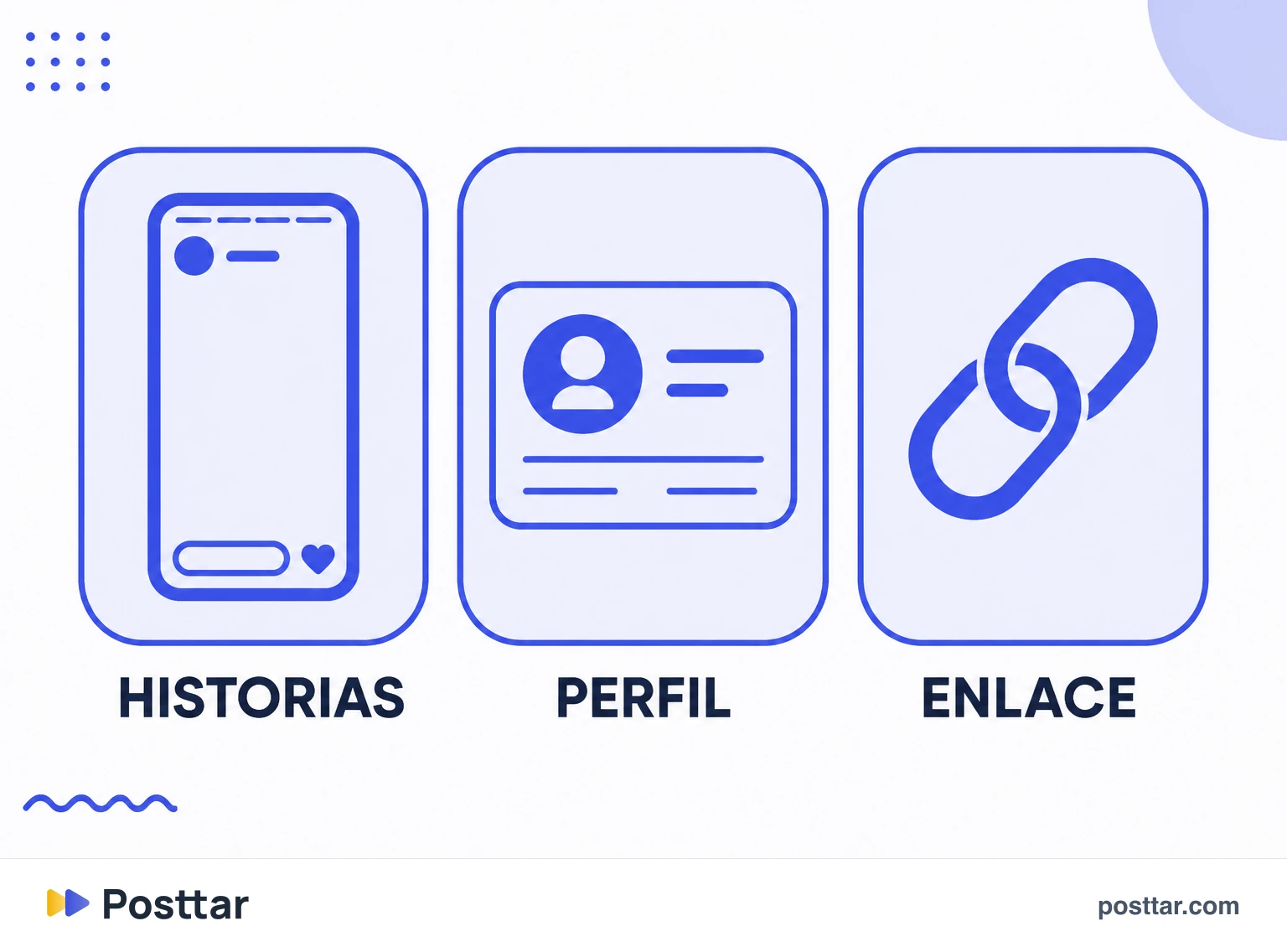
Una vez creado, no crece solo. Las vías de invitación son:
- Compartir en Historias, que es de lejos lo que más convierte.
- Fijar la invitación en el perfil, para quien llega nuevo.
- Enlace directo, que funciona fuera de la plataforma.
Un aviso que ahorra frustración: quien entra recibe los mensajes nuevos, no el historial entero. El canal es un flujo, no un archivo.
Por qué el tuyo puede no aparecer
Es la duda más buscada sobre la función, y las causas son concretas:
- Aplicación desactualizada. Siempre lo primero que revisar.
- Tipo de cuenta. La función nació para cuentas de creador y de empresa, y la disponibilidad para cuenta personal varía.
- Despliegue gradual por región. Las funciones de Instagram no llegan a todos el mismo día.
- Restricción en la cuenta. Conviene revisar la pantalla de estado.
Sobre el requisito de seguidores, que aparece mucho en búsqueda: el canal no tiene el mismo tipo de traba que han tenido otras funciones. Lo que traba, cuando traba, suele ser tipo de cuenta y despliegue regional, no un número mínimo de seguidores.
Cómo usarlo sin quemar la lista
El canal notifica. Esa es su fuerza y también la forma de destruirlo.
- Ten un motivo por mensaje. Si la persona no gana nada al abrir, se va.
- No repitas el feed. Si es lo mismo que ya vio, el canal se vuelve ruido.
- Usa encuestas. Es la única interacción de vuelta que existe, y además es investigación barata.
- Vigila las salidas, no las entradas. Quien se va tras un mensaje concreto te está diciendo qué no hacer.
- Guárdalo para lo que importa. Un canal usado tres veces por semana con algo real vale más que uno usado a diario con cualquier cosa.
Checklist
- Invité por Historias, que es la vía que más convierte.
- Cada mensaje tiene un motivo para existir.
- No estoy repitiendo lo que ya fue al feed.
- Uso encuestas para tener respuesta e investigar.
- Sigo las salidas después de cada mensaje.
Preguntas frecuentes
¿Qué es un canal de difusión en Instagram?
Es una conversación de una sola vía dentro de los mensajes en la que solo publica quien administra y todos los suscritos reciben, con notificación. Los suscritos pueden reaccionar con emoji y votar en encuestas, pero no conversan entre sí.
¿Cómo crear un canal de difusión en Instagram?
En los mensajes, toca el icono de nuevo mensaje y elige crear canal de difusión. Ponle nombre, define quién puede entrar y publica el primer mensaje. Después invita por Historias, por el perfil o por enlace directo.
¿Por qué no me aparece el canal de difusión?
Las causas más comunes son aplicación desactualizada, tipo de cuenta sin la función liberada, despliegue gradual que aún no llegó a tu región o alguna restricción activa en la cuenta.
¿Cuál es la diferencia entre canal de difusión y grupo?
En el grupo todos escriben y todos ven. En el canal solo escribe el administrador, y los suscritos únicamente reaccionan y votan. Por eso el canal funciona con miles de personas, mientras que un grupo de ese tamaño sería inutilizable.
¿Quien entra ve los mensajes antiguos?
No. Quien se suscribe pasa a recibir los mensajes nuevos, no el historial entero. El canal funciona como un flujo de avisos, no como un archivo consultable.
Conceptos relacionados

Historias
Las Historias son las publicaciones verticales que desaparecen tras 24 horas, mostradas en la parte superior de la aplicación en vez del feed. Es el formato de relación de la plataforma: la distribución va casi toda a quien ya sigue, y el orden depende de la cercanía y del historial de visualización. Es también el único formato de Instagram en que quien publica ve la lista nominal de quién lo vio.
Leer la entrada
Mejores amigos
Mejores amigos es una lista privada que restringe a quién se entrega una Historia. Quien está en ella ve el contenido marcado con un anillo verde; quien no está simplemente no ve que existe. La lista es totalmente unilateral e invisible: la eliges solo, nadie recibe aviso al entrar o salir, y ninguna otra persona puede ver quiénes son los tuyos.
Leer la entrada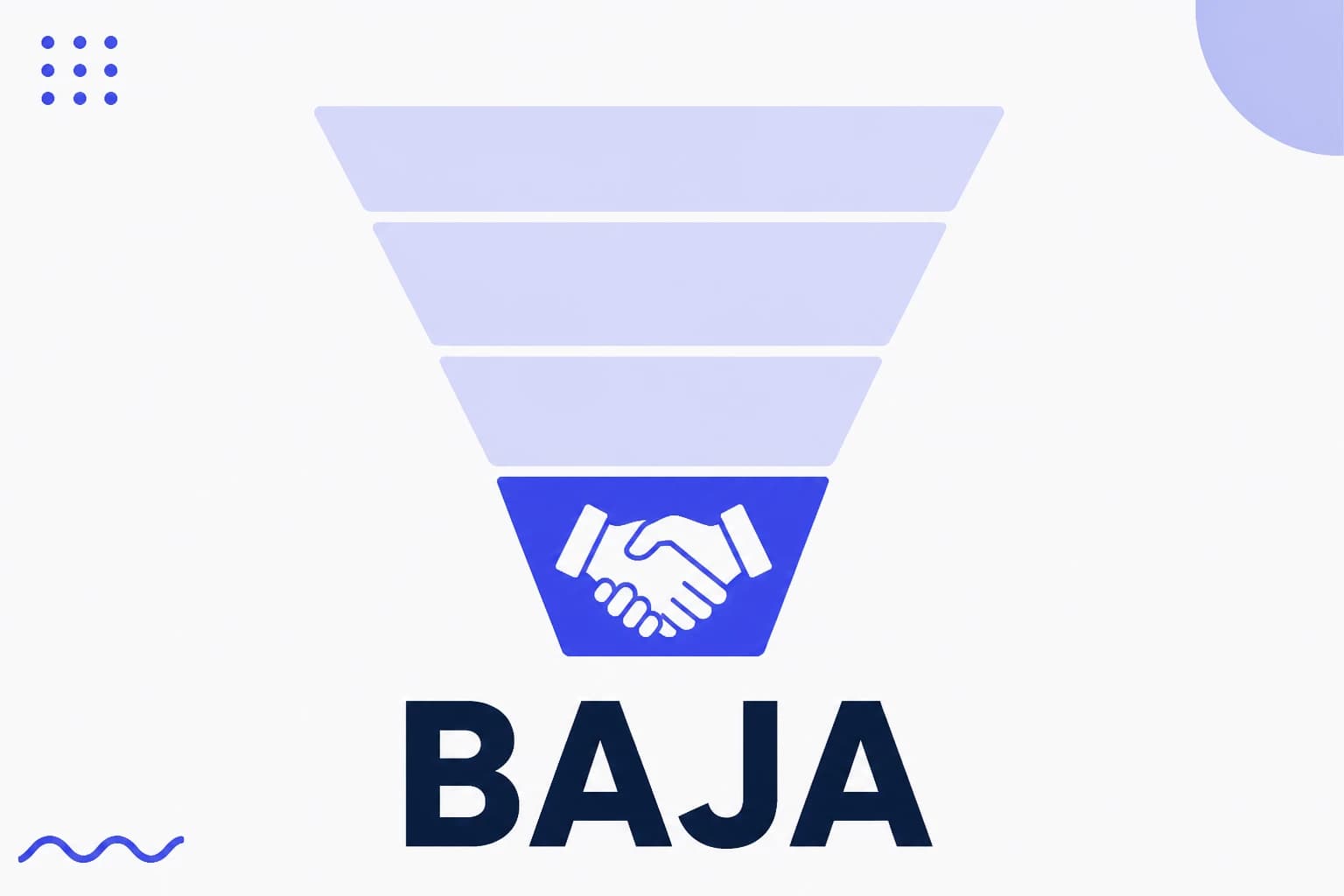
Parte baja del embudo
La parte baja del embudo es el contenido para quien ya decidió resolver el problema y está eligiendo con quién. Trata de prueba, precio, garantía y detalle de la oferta. Es la etapa que menos alcanza y la que más convierte, y entender ese intercambio es lo que impide la conclusión equivocada de que no funciona solo porque tiene menos visualizaciones.
Leer la entrada
Alcance
El alcance es el número de cuentas únicas que vieron un contenido al menos una vez. A diferencia de las impresiones, no cuenta dos veces a la misma persona, así que mide el tamaño de la audiencia alcanzada y no el volumen de exhibición. En Instagram el alcance aparece por publicación y por periodo, y puede separarse entre seguidores y no seguidores, que es la lectura que muestra si el perfil está descubriendo gente nueva o solo circulando entre quienes ya lo siguen.
Leer la entrada