Display name: the most underused profile field, and it feeds search

By Tiago Costa·Updated on August 5, 2026

Definition
The display name is the bold text at the top of the profile.
- It can repeat across accounts, unlike the username.
- It accepts spaces, accents and emoji.
- It feeds internal search, and that is where a keyword pays off.
- Changing it breaks no links, but there is a limit per period.
What it is and where it appears
It is the bold text at the top of the profile, above the bio and below the username. It holds 30 characters, and it is the only name field with no uniqueness rule: many accounts can be called the same thing.
Its freedom is wide. It accepts spaces, accents, punctuation and emoji, all of which the handle forbids. And since it is not part of the URL, changing it takes down no old links.
That combination, indexed in search but free to change, is what makes it the most strategic field on the profile and, at the same time, the most wasted.
Why it is worth more than it looks
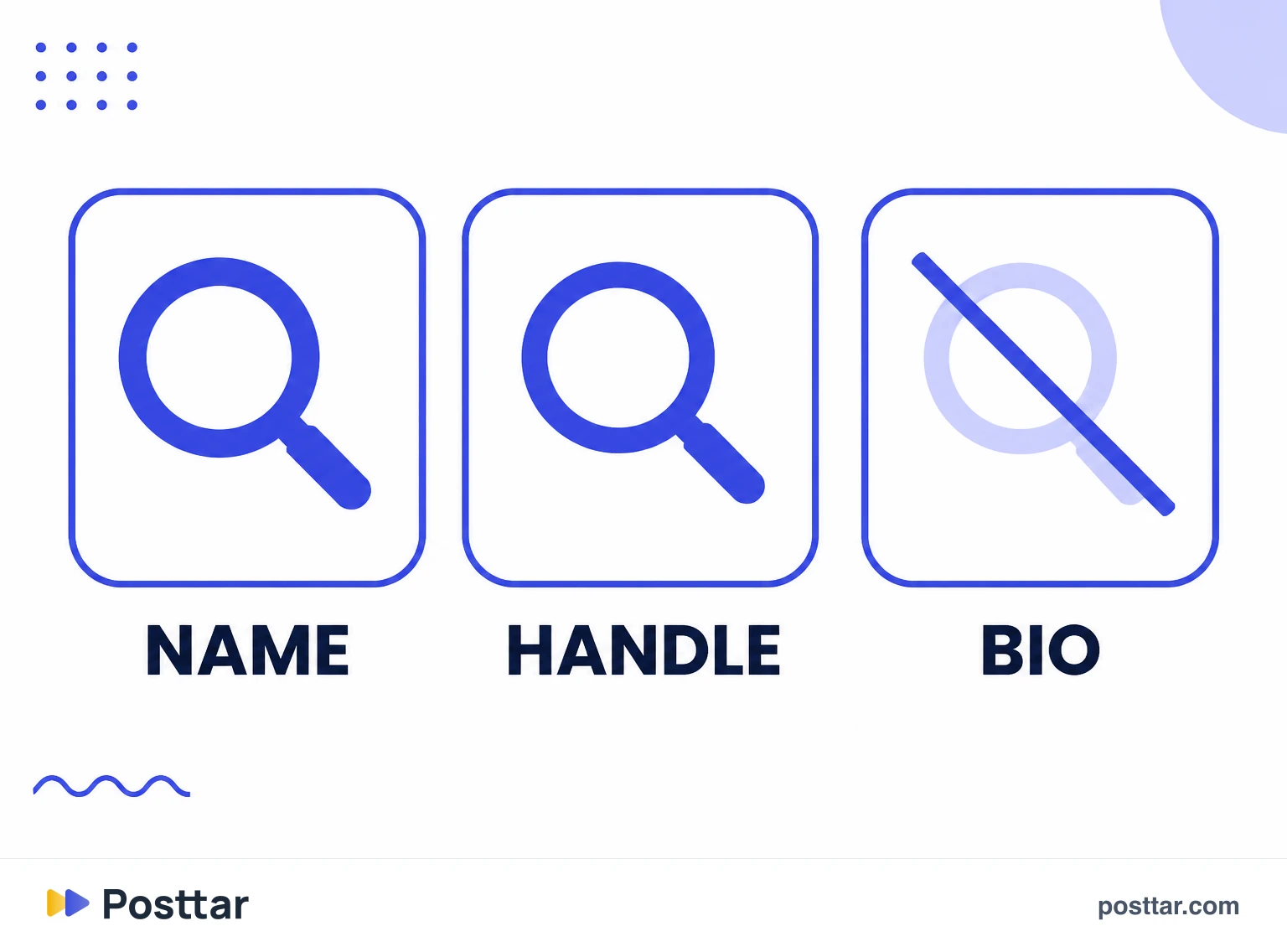
Instagram's internal search considers the display name and the username. The body of the bio, in general, does not in the same way.
That inverts what most people do. It is common to see the name field holding a personal name and the bio stuffed with technical terms. The right way round is the opposite: the term you want to appear for goes in the name, and the bio stays free to convince.
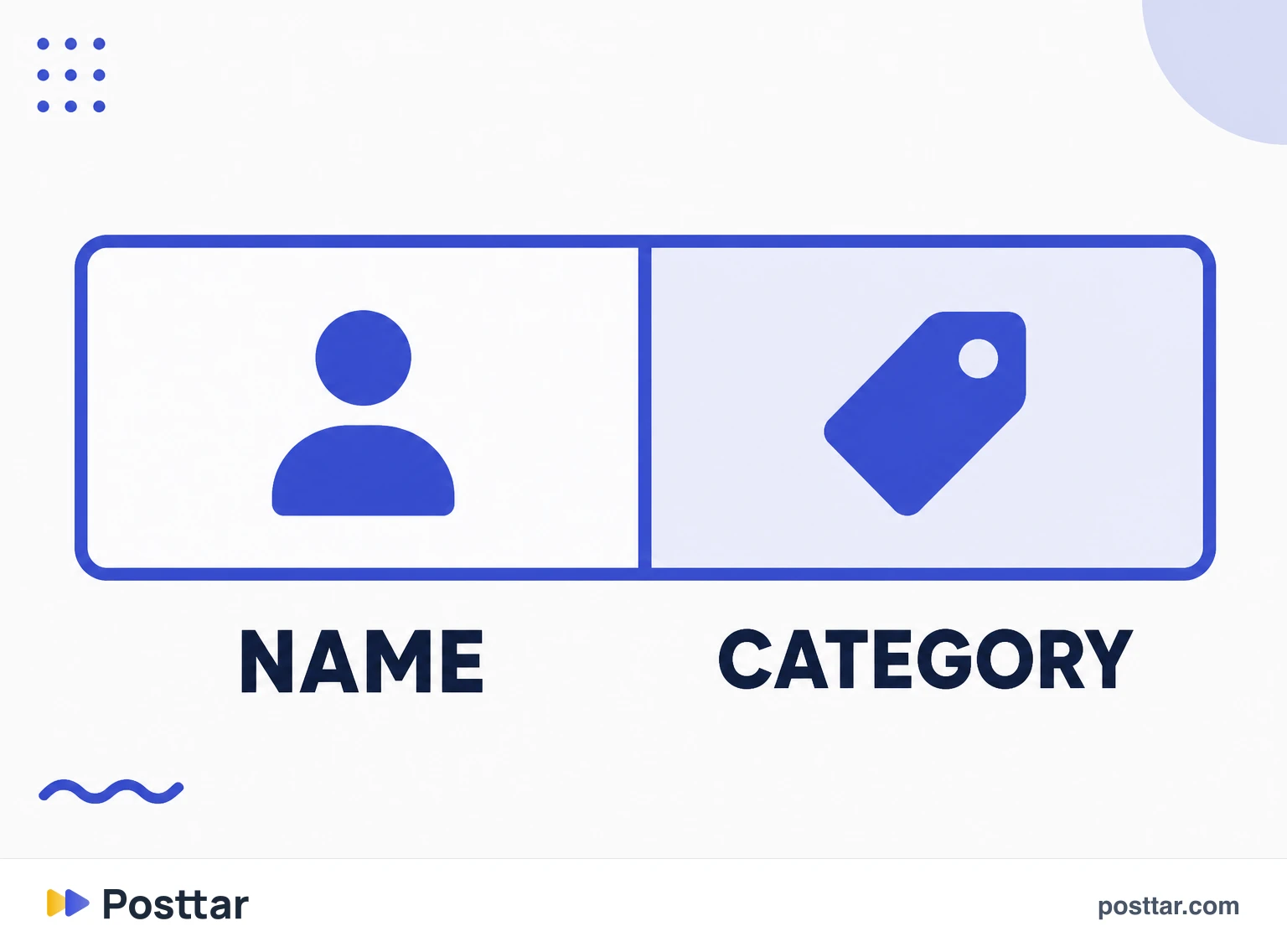
One format solves both sides: personal name, separator, category. That way whoever searches your name finds you, and so does whoever searches the category.
Worth testing in the platform's own search, because behaviour changes over time and varies by region.
How to change it, and the limit that catches people
The path is edit profile, name field. Save and done, with no consequence for links.
The surprising detail: there is a limit on how many times the name field can change within a period, and hitting it locks the account out of further changes for a while. People who keep testing variations end up frozen exactly when they settle on the good one.
So decide before touching it. Write the options outside the app, pick one, and make a single change.
What to avoid
- Repeating the handle. If the username is already the brand name, repeating it in the name field throws away the search opportunity.
- Stacking terms. A name that becomes a list of words separated by slashes reads badly and looks like a spam account.
- Emoji at the start. It occupies the most visible space on the profile and nobody searches for it.
- Changing on impulse. The change limit punishes live experimentation.
Checklist
- My name field is not a copy of the handle.
- The word I want to be found by is in it.
- It is still readable, not a list of terms.
- I decided the final version before saving, because of the change limit.
- The bio stayed free to convince, not to repeat keywords.
Frequently asked questions
Can you have a display name on Instagram?
Yes. It is the bold text at the top of the profile, separate from the username. It holds 30 characters, can repeat across accounts, and accepts spaces, accents, punctuation and emoji.
Can I change my Instagram display name?
Yes, in edit profile, in the name field. There is no consequence for links because it is not part of the URL. Watch the limit on how many times it can change within a period: hitting it locks further changes for a while.
What is the difference between name and username on Instagram?
The display name is the bold text, can repeat across accounts and accepts spaces, accents and emoji. The username is the handle, unique across the whole platform, accepts only letters, numbers, periods and underscores, and forms the profile URL.
Does the display name help you get found?
Yes, and that is exactly where it pays off. Internal search considers the display name and the username, while the body of the bio, in general, is not indexed the same way. It is the best place on the profile for the word you want to appear for.
Can you use emoji in the display name?
You can, the field accepts it. But it consumes part of the 30 characters in the most visible spot on the profile and nobody searches for emoji, so putting it first is usually a bad trade.
Related concepts

Instagram username
The username is the account's unique identifier, what appears after the at sign and forms the profile URL. It is unique across the whole platform, accepts only letters, numbers, periods and underscores, and is indexed in internal search. Changing it is possible but expensive: every old mention, every saved link and every printed asset starts pointing at the wrong place.
Read the entry
Instagram bio
The bio is the block of up to 150 characters at the top of the profile, below the name. It is read at the exact moment someone decides to follow or leave, which makes it the account's most important conversion asset. The most common mistake is spending it on a quote: a visitor needs to understand within seconds what the account does, for whom, and what to do next.
Read the entry
Instagram SEO
Instagram SEO is optimising the profile and posts for the platform's internal search, which now works with words instead of depending only on hashtags. The system today reads the name field, the username, the caption, on screen text and transcribed audio. That turned search into a continuous discovery channel, and it is the least contested channel inside the platform.
Read the entry
Profile picture
The profile picture is the circular image identifying the account across the platform. It is uploaded square and cropped to a circle, and it appears very small in most of the places where it is actually seen: comments, the Stories bar, search results. That changes the criterion for what works: recognisable at a few pixels beats beautiful at full screen.
Read the entry