Aba Explorar: a vitrine de descoberta, e ela é diferente para cada pessoa

Por Tiago Costa·Atualizado em 5 de agosto de 2026

Definição
A aba Explorar é a grade de descoberta do Instagram.
- Conteúdo de quem você não segue, quase inteiramente.
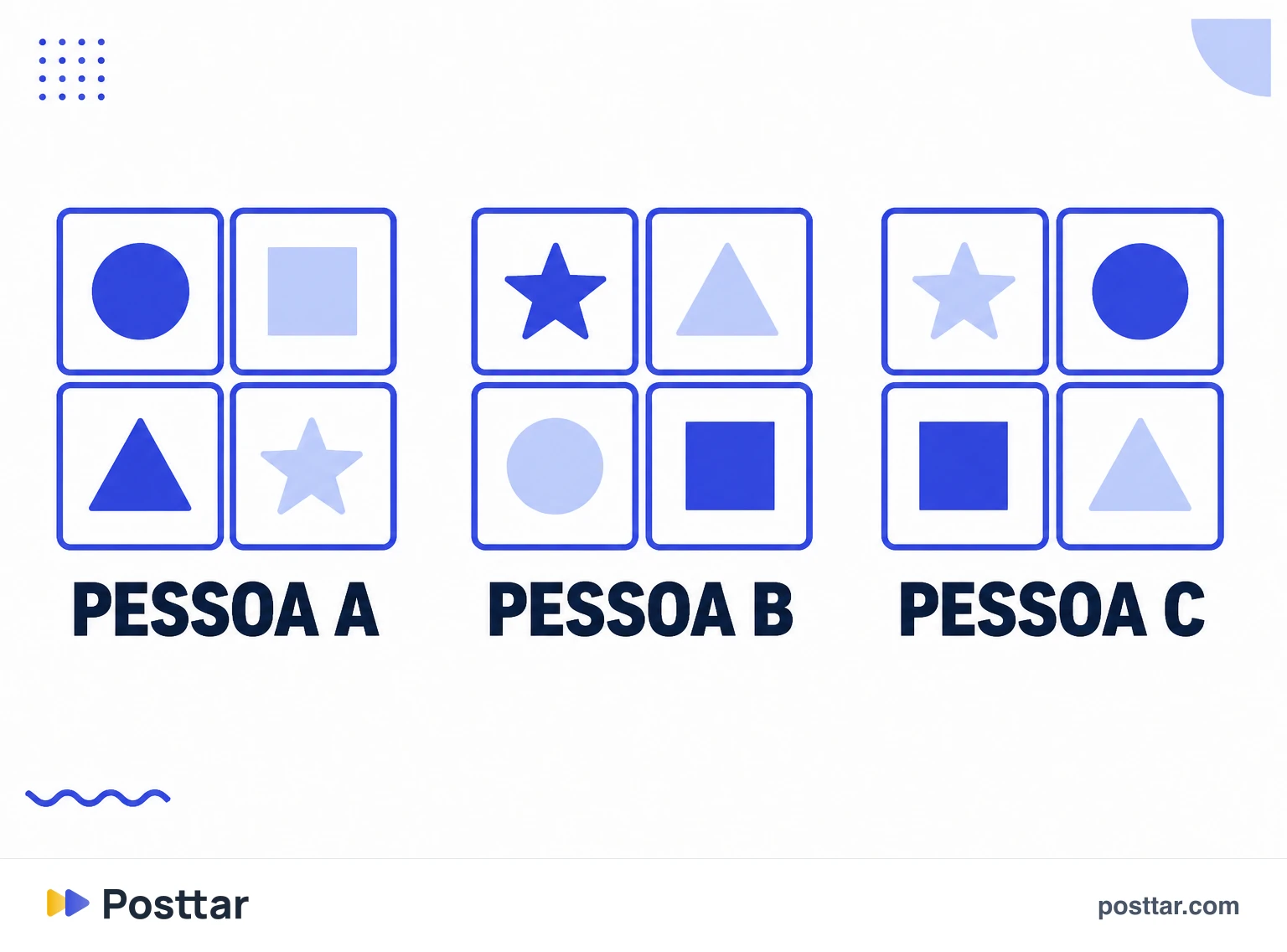
- É individual. Cada pessoa vê uma grade diferente.
- Montada pelo seu histórico de interação, não por popularidade geral.
- Dá para influenciar o que aparece, com o botão de não recomendar.
O que é
É a aba da lupa. Diferente do feed, que é dominado por quem você já segue, o Explorar existe justamente para mostrar o que está fora do seu círculo.
A resposta para a pergunta mais comum é não: ninguém vê a mesma coisa. O Explorar é construído conta a conta, a partir do que cada pessoa curtiu, salvou, comentou, assistiu até o fim e de quais perfis ela visitou. Duas pessoas no mesmo país e no mesmo dia veem grades completamente diferentes.
É por isso que o Explorar de alguém diz muito sobre o comportamento dessa pessoa na plataforma, e não sobre o que está em alta no mundo.
Como o sistema escolhe
O mecanismo central é de semelhança. Simplificando: o sistema procura contas parecidas com as que você já demonstrou gostar e mostra o conteúdo que gente parecida com você engajou.
Os sinais que mais pesam:
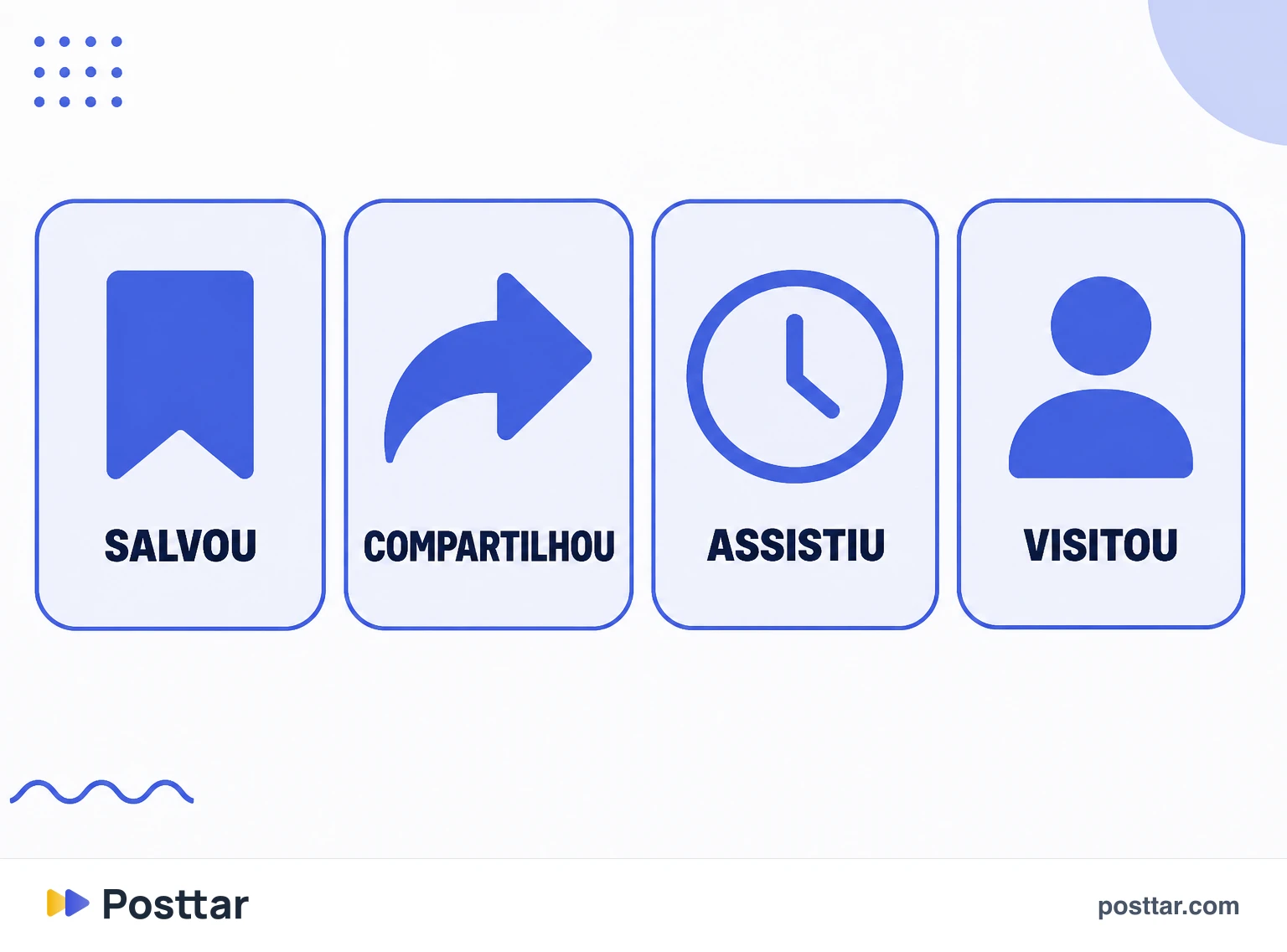
- Histórico de interação. O que você curtiu, salvou e comentou, e principalmente o que você salvou.
- Popularidade da peça. Velocidade de engajamento logo depois da publicação, sobretudo compartilhamentos.
- Informação sobre quem publicou. Se a conta é consistente num assunto, ela fica fácil de classificar.
- Seu histórico com aquela conta, se já houver algum.
Como aumentar a chance de cair nele
Não há botão nem truque, mas há postura:
- Consistência de assunto. Conta que fala de uma coisa é fácil de classificar; conta que fala de tudo não tem com quem ser comparada.
- Desempenho inicial forte. A entrega inicial é o teste. Peça que engaja rápido com quem já segue ganha entrega ampliada.
- Compartilhamento e salvamento. São os sinais mais fortes de que o conteúdo vale para desconhecido.
- Contexto legível. Legenda que descreve o conteúdo, texto na tela, áudio claro. O sistema precisa entender a peça para saber a quem oferecê-la.
- Reels. O formato de vídeo curto continua tendo o caminho mais direto para descoberta.
Como mudar o que aparece no seu
Isso é útil tanto para uso pessoal quanto para pesquisa de mercado, e quase ninguém usa:
- Botão de não recomendar. Em cada peça do Explorar existe a opção de dizer que você não quer ver aquilo, e ela é o sinal mais direto que você pode dar.
- Interagir de propósito. Salvar e assistir até o fim conteúdo do assunto que você quer ver é a forma mais rápida de reeducar a grade.
- Parar de abrir o que não quer. Curiosidade também é sinal, e ela é lida como interesse.
- Configurações de preferência de conteúdo, onde é possível limitar temas específicos.
Para quem trabalha com conteúdo, isso vira ferramenta: um Explorar bem treinado no seu nicho é uma fonte de referência melhor do que qualquer busca manual.
Checklist
- Minha conta é consistente num assunto, e fácil de classificar.
- Meço compartilhamento e salvamento, que são os sinais de descoberta.
- Minha legenda e meu texto na tela descrevem o conteúdo.
- Uso o botão de não recomendar para treinar meu próprio Explorar.
- Não espero que o Explorar seja igual para todo mundo.
Perguntas frequentes
O que é a aba Explorar no Instagram?
É a aba da lupa, a grade de descoberta formada quase inteiramente por conteúdo de contas que você não segue. Ela é montada individualmente a partir do seu histórico de interação.
Todo mundo vê o mesmo Explorar?
Não. Cada pessoa vê uma grade diferente, construída a partir do que ela mesma curtiu, salvou, comentou, assistiu até o fim e de quais perfis visitou. Duas pessoas no mesmo país e no mesmo dia veem conteúdos completamente diferentes.
O que significa aparecer no Explorar?
Significa que o sistema classificou seu conteúdo como relevante para pessoas parecidas com quem já engajou com ele. Na prática é a forma mais rápida de alcançar público que não segue a conta, e costuma vir depois de um desempenho inicial forte.
Como mudar o que aparece na aba Explorar?
Use o botão de não recomendar em cada peça que não interessa, interaja de propósito com o assunto que você quer ver, pare de abrir por curiosidade o que não quer receber, e ajuste as preferências de conteúdo nas configurações.
Como fazer meu conteúdo aparecer no Explorar?
Seja consistente num assunto para ser fácil de classificar, busque desempenho inicial forte, priorize compartilhamento e salvamento, e deixe o contexto legível na legenda, no texto em tela e no áudio. Reels continua tendo o caminho mais direto.
Conceitos relacionados

Algoritmo do Instagram
O algoritmo do Instagram é o conjunto de sistemas de ranqueamento que decide qual conteúdo cada pessoa vê e em que ordem. Não é um único algoritmo: feed, Stories, Reels e Explorar têm sistemas distintos, com sinais e pesos próprios, porque as pessoas usam cada superfície com uma expectativa diferente. Todos eles funcionam prevendo a probabilidade de você interagir com uma peça específica e ordenando o que está disponível segundo essa previsão.
Ler o verbete
Alcance
Alcance é o número de contas únicas que viram um conteúdo pelo menos uma vez. Diferente de impressões, ele não conta a mesma pessoa duas vezes, então mede tamanho de audiência atingida e não volume de exibição. No Instagram o alcance aparece por publicação e por período, e pode ser separado entre seguidores e não seguidores, que é a leitura que mostra se o perfil está descobrindo gente nova ou apenas circulando entre quem já segue.
Ler o verbete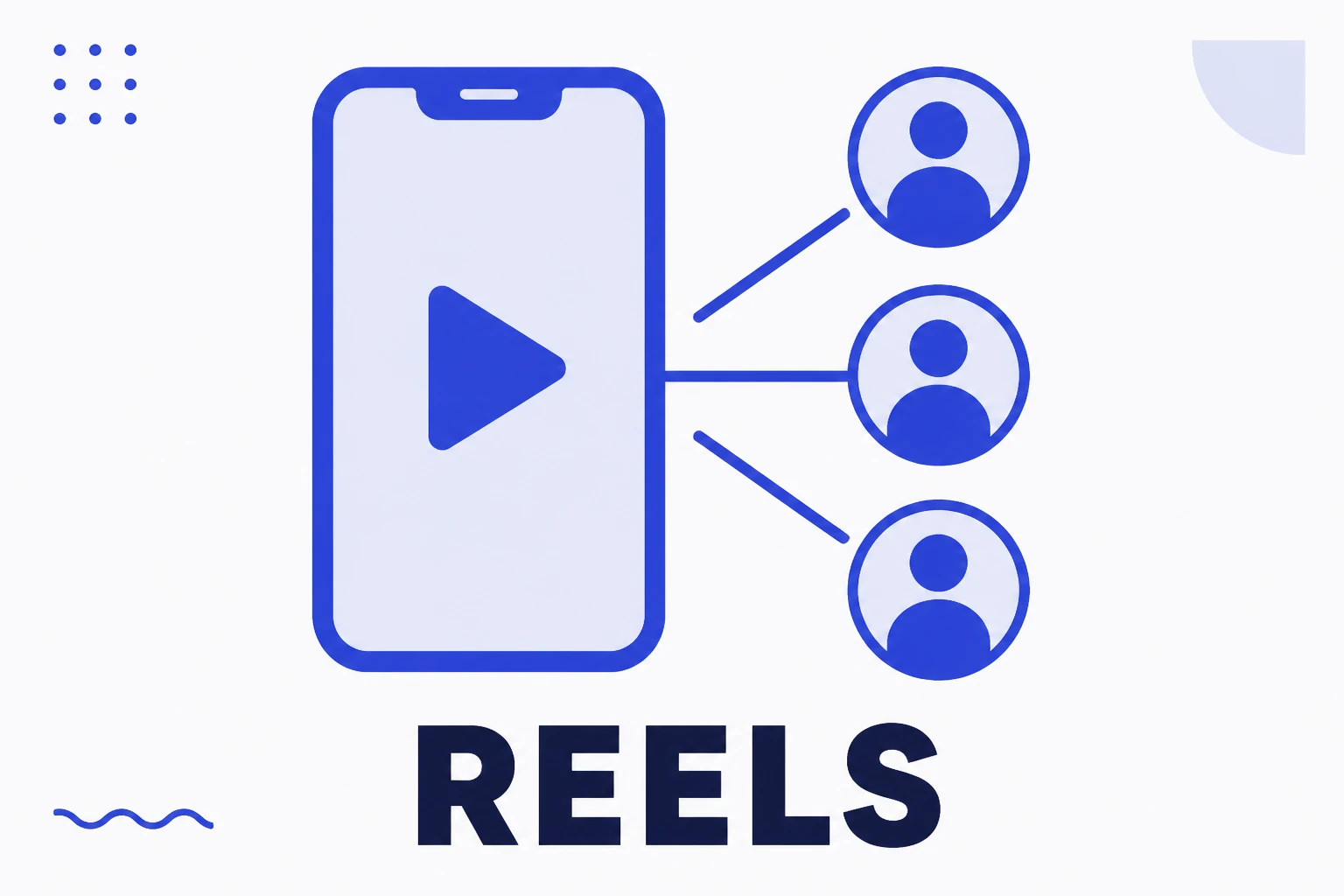
Reels
Reels é o formato de vídeo curto e vertical do Instagram, e a principal via de distribuição para pessoas que não seguem a conta. Diferente de uma publicação de feed, cuja entrega depende bastante do histórico entre as duas contas, o Reel é ofertado a quem o sistema prevê ter interesse no tema, o que o torna a ferramenta de crescimento mais direta da plataforma e também a mais exigente em retenção.
Ler o verbete
Salvamentos
Salvamento é quando alguém arquiva a sua publicação para voltar a ela depois. É uma interação privada: não aparece na publicação, ninguém além de quem salvou fica sabendo, e você só vê o total agregado nos insights. Justamente por não ter componente social, ela é um dos sinais mais honestos que existem, porque a pessoa salva por utilidade própria, não para ser vista salvando.
Ler o verbete