Highlights: the only way a Story becomes permanent, and your profile's menu

By Tiago Costa·Updated on August 5, 2026

Definition
Highlights are collections of Stories saved permanently on the profile.
- They sit at the top, right below the bio.
- They work as the account's menu, not as a scrapbook.
- You can add from the archive, without posting to Stories again.
- The viewer list disappears 48 hours after the original Story.
What they are and where they sit
Highlights sit in a row of circles at the top of the profile, between the bio and the post grid. Each one is a collection grouping as many Stories as you want, in the order they were published.
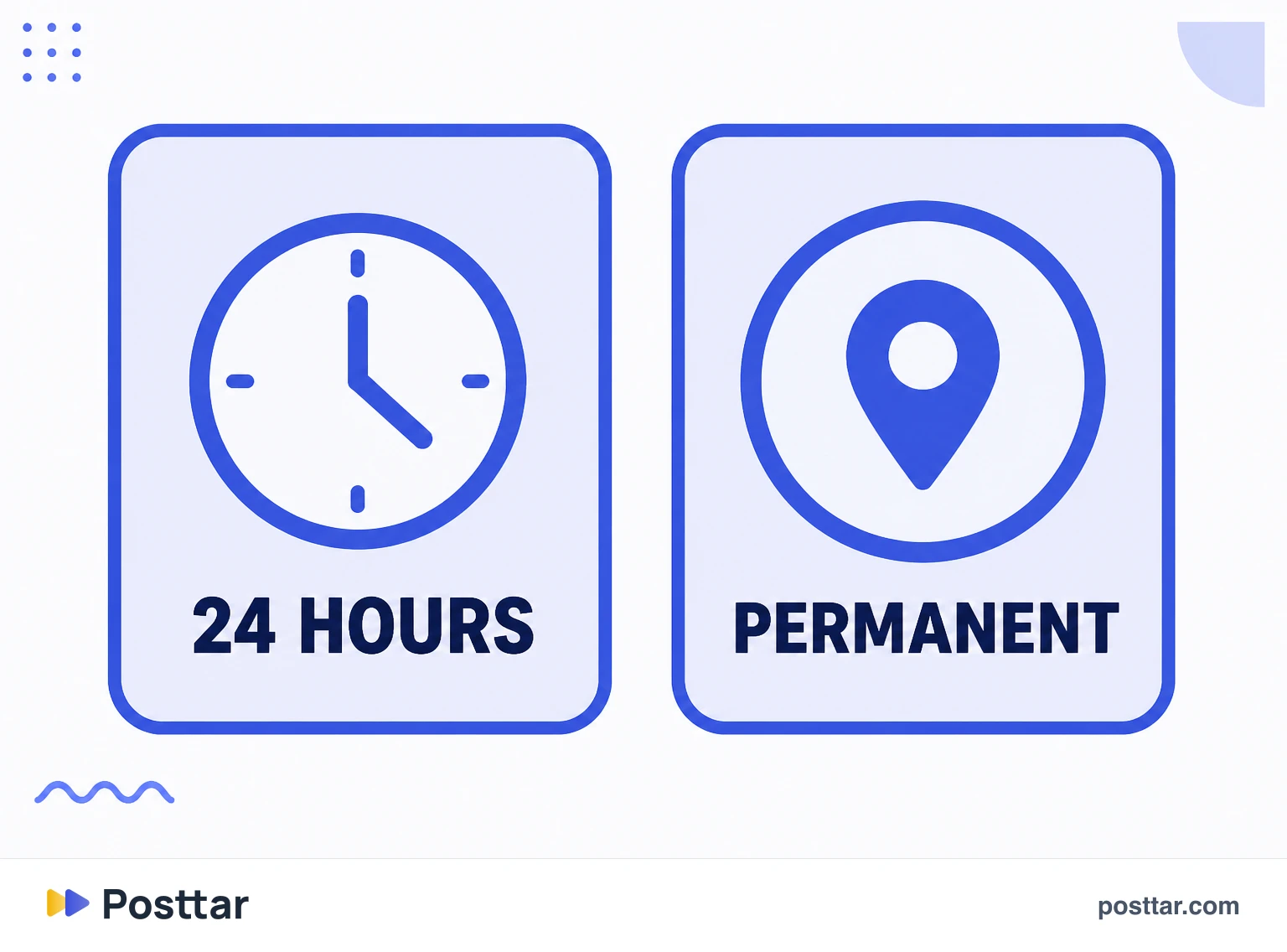
There is exactly one difference from a regular Story, and it is decisive: the Story vanishes in 24 hours, the highlight never vanishes until you remove it.
Because they occupy the space right below the bio, they are read alongside it. Someone arriving at the profile processes picture, name, bio and highlights as a single block. That makes them part of conversion, not decoration.
How to build them
There are two routes, and the second is the one almost nobody knows:
- From a live Story. On the Story itself, the highlight option creates the collection or adds to an existing one.
- From the archive. On the profile, when creating a new highlight, the app opens your archive of old Stories. That lets you build an entire highlight without posting anything to Stories now.
That second route answers the most searched question about the feature, which is how to add to a highlight without putting it on your story. The automatic archive has to be on, otherwise there is no history to pull from.
The cover is editable and the name holds few characters, which matters more than it seems: a name that does not fit gets cut and becomes a riddle.
Who sees what
This is where the most common confusion lives. The viewer list exists, but it belongs to the original Story rather than the highlight, and it disappears 48 hours after that Story was published.
In practice: for the first two days you see who watched; after that, whoever opens your highlight watches without leaving a trace for you. The view counter keeps running, it is the named list that ends.
That answers the two questions that always come up. Can you tell who viewed? Only inside the initial window. Does someone who opened an old highlight show up for me? No.
How to actually use them
Think restaurant menu, not photo album. Whatever drives the purchase goes there:
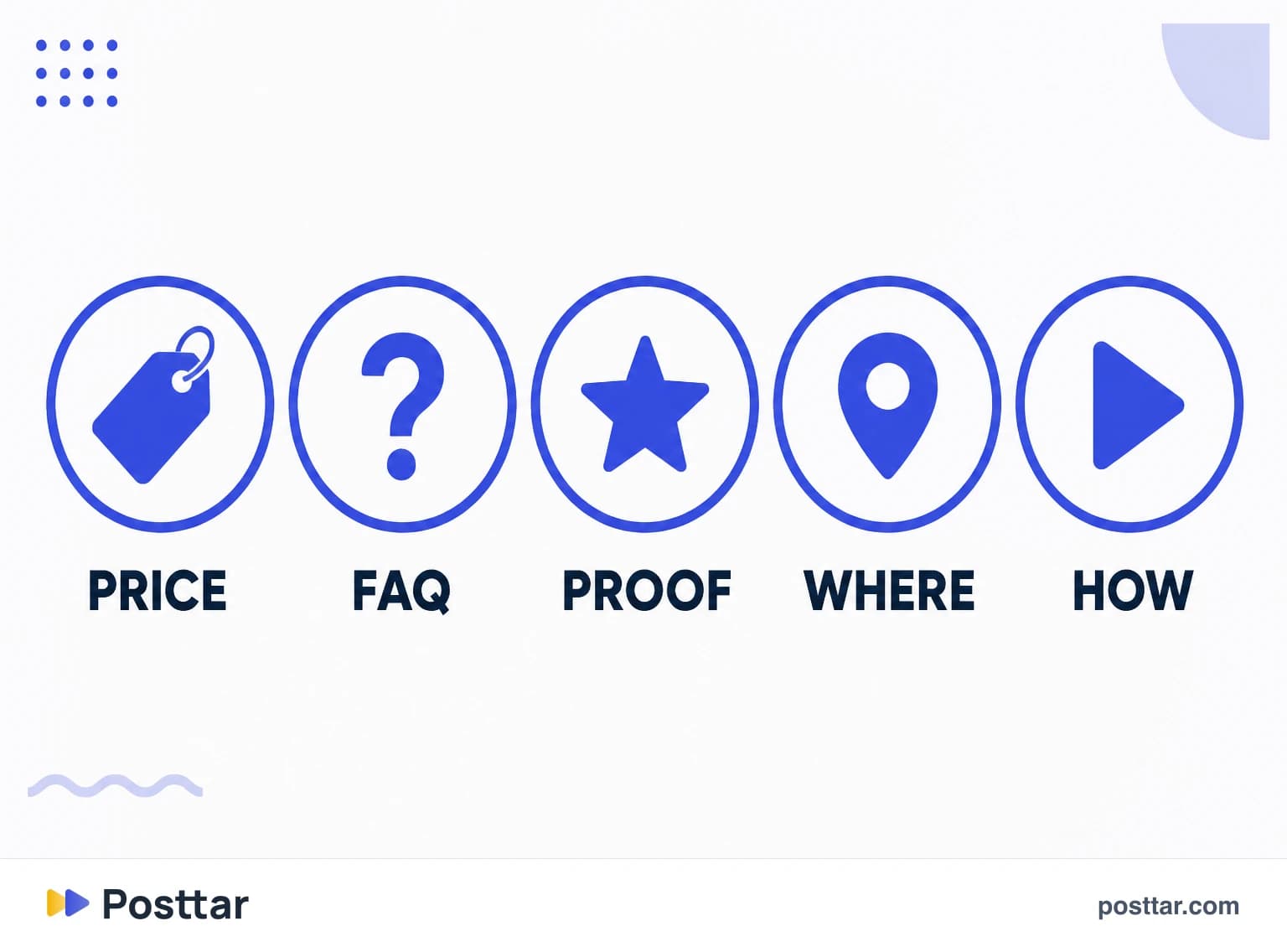
- Pricing and how it works. The question that arrives most in Direct deserves a highlight, not the same answer typed a hundred times.
- Proof. Testimonials, results, before and after.
- Frequent questions. Each common objection becomes a frame.
- Who I am. For a personal account, an introduction highlight does the work the bio has no room for.
Less is more: five well named highlights work better than twenty, because only the first few appear without scrolling sideways.
Checklist
- My highlights answer what people ask me most in Direct.
- The names fit whole, with no truncation.
- The first ones in the row are the ones that matter most.
- I know how to build a highlight from the archive, without posting to Stories.
- I do not treat highlights as a scrapbook.
Frequently asked questions
What are highlights on Instagram?
They are collections of Stories saved permanently in a row of circles at the top of the profile, between the bio and the grid. Unlike a regular Story, which vanishes in 24 hours, a highlight stays until you remove it.
Can you see who viewed your Instagram highlight?
Only in the first 48 hours. The viewer list belongs to the original Story and disappears after that window. Once it passes, whoever opens an old highlight does not show up for you, although the view counter keeps running.
How to add to Instagram highlights without putting it on your story?
Through the archive. On your profile, when creating or editing a highlight, the app opens your archive of old Stories and you pick from there. That builds the highlight without posting anything to your Stories now, as long as the automatic archive is on.
What is the difference between a story and a story highlight?
Permanence. A Story is available for 24 hours and then vanishes; a highlight is the same piece saved at the top of the profile with no expiry. The content is identical, what changes is lifespan and where it appears.
How many highlights are worth having?
Few and well named. Only the first few in the row appear without the visitor scrolling sideways, so five highlights answering what people ask most in Direct work better than twenty organised by loose topic.
Related concepts

Stories
Stories are the vertical posts that disappear after 24 hours, shown at the top of the app rather than in the feed. It is the platform's relationship format: distribution goes almost entirely to existing followers, and ordering depends on closeness and viewing history. It is also the only Instagram format where the publisher sees a named list of who watched.
Read the entry
Instagram bio
The bio is the block of up to 150 characters at the top of the profile, below the name. It is read at the exact moment someone decides to follow or leave, which makes it the account's most important conversion asset. The most common mistake is spending it on a quote: a visitor needs to understand within seconds what the account does, for whom, and what to do next.
Read the entry
Close friends
Close friends is a private list that restricts who a Story is delivered to. People on it see the content marked with a green ring; people who are not simply never see it exists. The list is entirely one sided and invisible: you choose alone, nobody is notified when they are added or removed, and no one else can see who yours are.
Read the entry
Profile picture
The profile picture is the circular image identifying the account across the platform. It is uploaded square and cropped to a circle, and it appears very small in most of the places where it is actually seen: comments, the Stories bar, search results. That changes the criterion for what works: recognisable at a few pixels beats beautiful at full screen.
Read the entry