Close friends: Instagram's private list and the green ring that gives it away

By Tiago Costa·Updated on August 5, 2026

Definition
Close friends is a private list restricting who a Story reaches.
- A green ring marks restricted content for people on the list.
- Nobody is notified when added or removed.
- The list is invisible to everyone, including people on it.
- It is one sided. No reciprocity, no requests to join.
How it works
You build a list of accounts and, when publishing a Story, choose between everyone and close friends only. People on the list receive it normally, with a green ring around the profile picture and a green marker at the top of the frame. People who are not see nothing, and have no way of knowing that Story existed.
The list has no practical size limit and can be edited at any time. There is only one: you cannot keep several different lists for different audiences.
Important: the restriction applies to Stories. The feature does not turn the rest of the profile private.
The three questions everyone asks
- Are people notified when they are added? No. There is no notification on adding or removing. That is why being dropped from someone's list usually goes unnoticed for weeks.
- How do I know if I am on someone's list? By the green ring. If you see a Story from that account with the green marker, you are on it. If they post restricted content and you never see green, you are not. There is no screen that lists this.
- Can anyone see who my close friends are? No. The list is visible only to you. Not even the people on it can see the other names.

What it is good for beyond personal use
The feature was born for personal use, but two professional account uses work well:
- A client or student list. Content that only makes sense for people who already bought, without cluttering the public Story.
- Behind the scenes and testing. Showing process, asking for opinions on something still rough, testing an idea with a small group before taking it to everyone.
The side effect is good: the green ring carries status value. Being on the list reads as closeness, and that tends to increase replies and interaction.
For broadcasting at scale, though, the right tool is different: the broadcast channel was built to talk to many people, and close friends was built to talk to few.
How to build and maintain the list
The path is the profile menu, under close friends, where you can add and remove accounts at any time. When publishing a Story, the green button appears beside the normal publish button.
Three habits that keep the list from rotting:
- Start small. A bloated list loses its reason to exist, which is the feeling of being singled out.
- Review it periodically. It ages: people who were clients no longer are, people who were close drifted.
- Do not use it as punishment. Removing someone sends no notification, but they notice when the green disappears, and the reading is usually worse than the intent.
Checklist
- I know nobody is notified when they enter or leave the list.
- I use the green ring as a closeness signal, not decoration.
- I do not confuse the list with making the whole profile private.
- To talk to many people, I use a broadcast channel.
- I review the list now and then, because it ages.
Frequently asked questions
How do you know if you are on someone's close friends list on Instagram?
By the green ring. If you see a Story from that account with the green marker, you are on their list. There is no screen showing this directly, and no notification is sent when someone adds you.
Are people notified when you add them to close friends?
No. There is no notification on adding or on removing. That is why being dropped from someone's list usually goes unnoticed: the only clue is no longer seeing Stories with the green ring from that account.
Can anyone see who my close friends are on Instagram?
No. The list is visible only to you. Not even the people on it can see the other names, and there is no way for another account to look this information up.
What is the difference between friends and close friends on Instagram?
Close friends is a private list you build yourself that restricts individual Stories to the people on it. It is one sided, requires no acceptance and carries no reciprocity, unlike a mutual follow relationship.
Does close friends make my profile private?
No. It restricts only the Stories you mark as restricted, one at a time, and the rest of the profile stays public. Making the whole profile private is a separate setting that requires approval for anyone to follow.
Related concepts

Stories
Stories are the vertical posts that disappear after 24 hours, shown at the top of the app rather than in the feed. It is the platform's relationship format: distribution goes almost entirely to existing followers, and ordering depends on closeness and viewing history. It is also the only Instagram format where the publisher sees a named list of who watched.
Read the entry
Broadcast channel
A broadcast channel is a one-way conversation inside Instagram Direct where only the admin posts and every subscriber receives it. It is the platform's answer to broadcast lists in other messaging apps: direct delivery to the inbox, with a notification, without depending on feed ranking. In exchange, the audience is only whoever subscribed, and it does not talk back beyond polls and reactions.
Read the entry
Instagram highlights
Highlights are collections of Stories saved permanently at the top of the profile, right below the bio. They solve the format's central problem, which is vanishing in 24 hours, and in practice they work as the account's menu: where a newcomer finds pricing, proof, frequent questions and whatever else drives the purchase without having to send a message.
Read the entry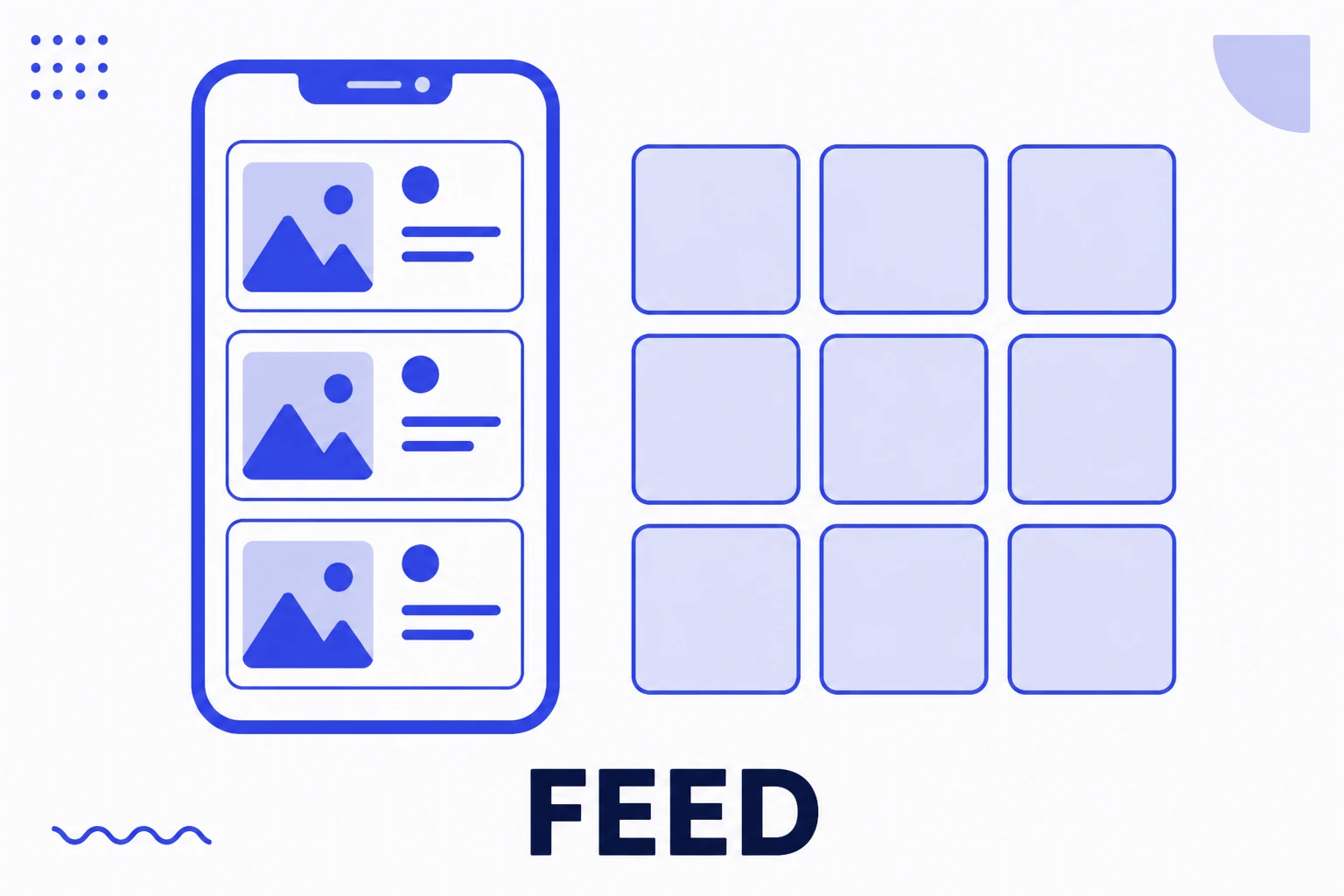
Feed
Feed is the word Instagram uses for two different things: the timeline you scroll through, and the permanent grid of your own profile. Posting to feed means creating a piece that stays on the profile forever, unlike Stories, which vanish in 24 hours. It is the platform's permanence format, and it remains where an account builds the impression someone forms on arrival.
Read the entry