Instagram carousel: what it is, why it still works and how to structure one

By Tiago Costa·Updated on August 5, 2026

Definition
A carousel is the post that holds up to 20 images or videos in a single publication, navigated by swiping sideways.
- It increases dwell time. Every frame advance is time spent on your content.
- It gets a second delivery chance. Instagram can re-show the post from a different frame.
- It is the most saved format. Reference content gets saved to come back to.
- It mixes photo and video inside the same post.
What a carousel is
A carousel is the post that bundles several files into one publication. In the feed it shows a dot indicator, and the reader moves frame by frame by swiping sideways. The current limit is 20 files per post, and they can be images, videos or a mix of both.
The difference from a single image post is not the number of files, it is the kind of attention the format asks for. A single photo is consumed at a glance. A carousel demands a decision at every frame: swipe or leave. That changes everything about how it should be written and about why it performs.
Compared to Reels, the carousel has another practical advantage: it is the format for dense content. Explaining a five-step process works better across five frames than across forty seconds of video, because the reader controls the pace and can go back.
Why carousels keep working
Three mechanisms hold the format up, and none of them is a trend.
Dwell time. The ranking system watches how long someone stays on a piece before scrolling. A well written eight-frame carousel holds attention far longer than a single image, and that time is a signal that does not depend on the viewer deciding to like anything.
Second delivery chance. Instagram can re-show a carousel to people who scrolled past without interacting, starting from a frame other than the first. No other feed format has that, and it is why carousels tend to accumulate reach for longer than photos.
Saves. It is the natural format for reference content: step by step, checklist, comparison, list. That kind of piece gets saved to come back to, and saves are one of the interactions that push content furthest outside the bubble.
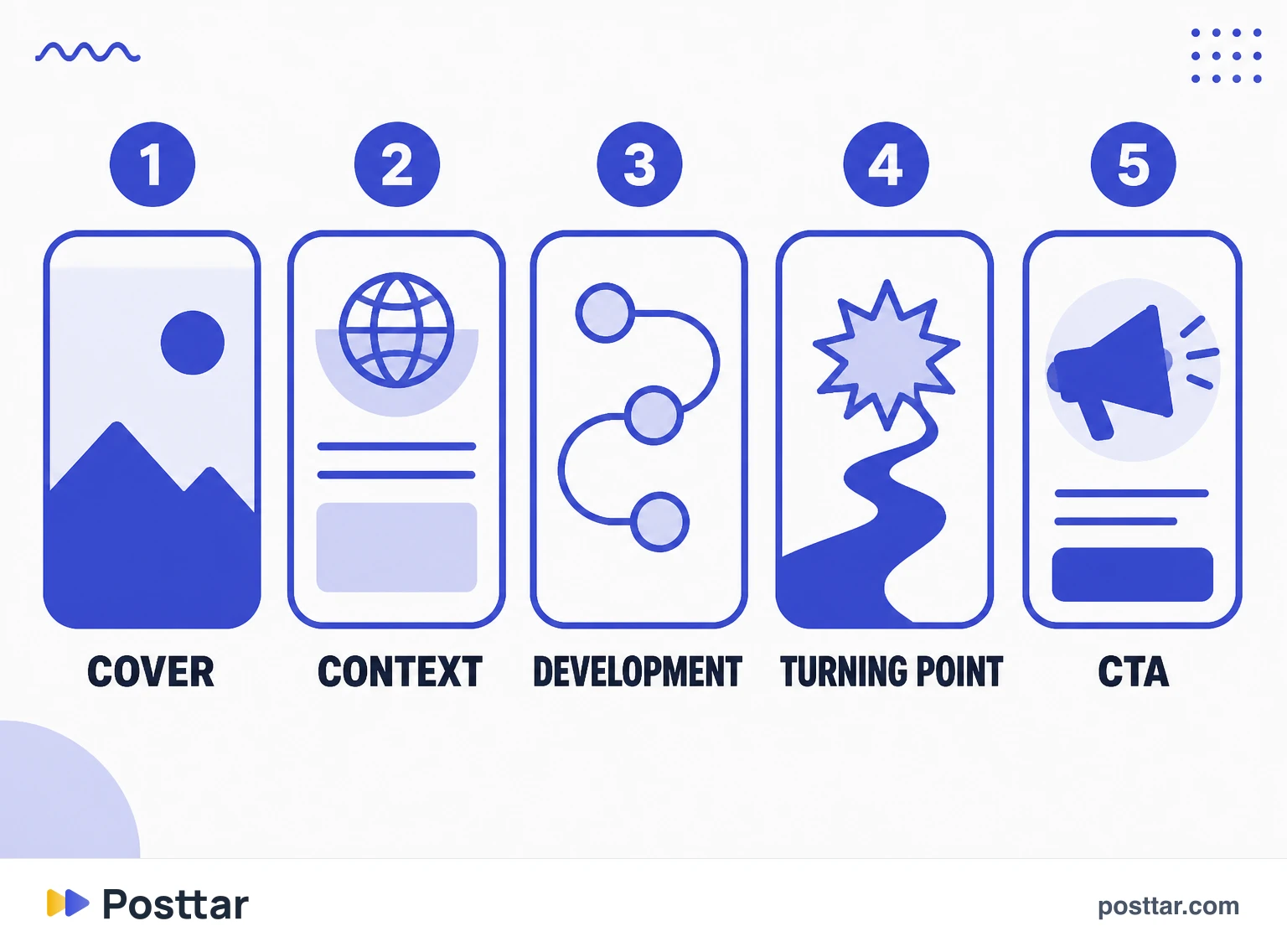
The anatomy of a carousel that works
A carousel is not a sequence of pretty images, it is a structure with a job per frame.
- Frame 1, the cover. Responsible for nearly all of the open rate. A clear promise in few words, readable in the feed thumbnail. If the cover fails, the rest does not exist.
- Frame 2, the context. Confirms the reader is in the right place and delivers the first piece of value. It has the highest drop-off, so it has to pay out fast.
- Middle frames, the development. One idea per frame. Two ideas in the same frame is the most common mistake and the one that breaks reading fastest.
- The turning-point frame. The insight that justifies having read this far. It is what separates useful content from generic content.
- Last frame, the CTA. One ask only. Save, comment a word, go to the link. Asking for three things is the same as asking for none.
On length: there is no magic number. A carousel should have the frames the idea needs and not one more. Padding to reach ten drops the swipe-through rate exactly where the CTA lives.
Limits and specifications
- Up to 20 files per post, photos and videos combined.
- Aspect ratio: the vertical 4:5 takes the most feed space. Every frame renders in the ratio of the first one, so mixing formats causes cropping.
- Caption: the same limit as any post, 2,200 characters, shared by the whole carousel.
- Text in the image: leave a safe margin at the edges. The app interface covers part of the frame, and anything under the dot indicator disappears.
- Order: once published you cannot reorder frames or swap one out. Only delete and redo.
The mistakes that show up most
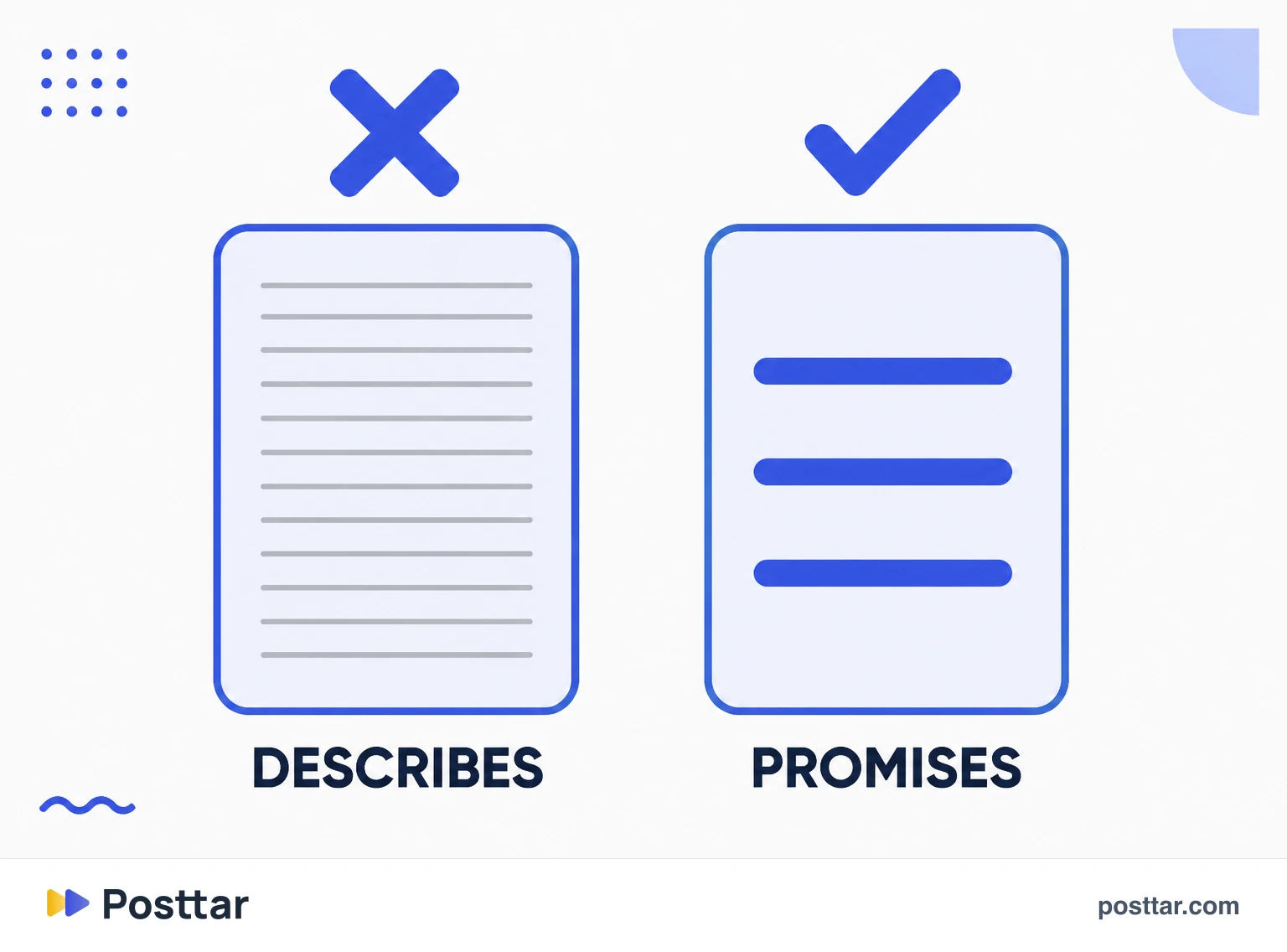
- A cover that describes instead of promising. "Instagram tips" is not a promise. "The mistake that kills reach for people who post every day" is.
- Type that is too small. Carousels are read on a phone, one-handed, on the move. If it needs zoom, it is wrong.
- Not enough contrast between text and background. A beautiful background that swallows the word is the most common visual defect.
- Saving the main idea for the last frame. Whoever leaves at frame four will never get there. Deliver value early and use the end to go deeper.
- A generic CTA. "Like and share" asks for two things and gives a reason for neither.
- Ignoring the caption. The carousel carries the visual explanation, the caption carries in-app search and context. The two work together.
Checklist before publishing
- The cover is readable in the feed thumbnail, without zoom.
- Every frame carries one idea only.
- There is a turning-point frame, and it is not the last one.
- The last frame asks for one thing only.
- Text has enough contrast against the background on every frame.
- Nothing important sits under the dot indicator or against the edges.
- The caption contains the words someone would actually type into search.
Frequently asked questions
What is an Instagram carousel?
It is the post that holds up to 20 images or videos in a single publication, navigated by swiping sideways. In the feed it appears with a dot indicator below the image.
How do you make an Instagram carousel?
On the new post screen, tap the multiple-select icon and choose the images or videos in the order they should appear. Selection order is display order, and it cannot be changed after publishing.
Are carousels still effective on Instagram?
Yes, for structural reasons rather than fashion. They increase dwell time, they are the most saved format, and they get a second delivery chance, because Instagram can re-show the post starting from a different frame to people who did not interact the first time.
What is the difference between a carousel and a Reel?
A carousel is a feed post in frames, read at the viewer's own pace, and it serves dense reference content better. A Reel is short vertical video with strong distribution to non followers, and it serves discovery better. One brings depth, the other brings new people.
How many slides should a carousel have?
As many as the idea needs and not one more. Padding to hit a round number drops the swipe-through rate exactly at the final frames, which is where the call to action usually sits.
Related concepts
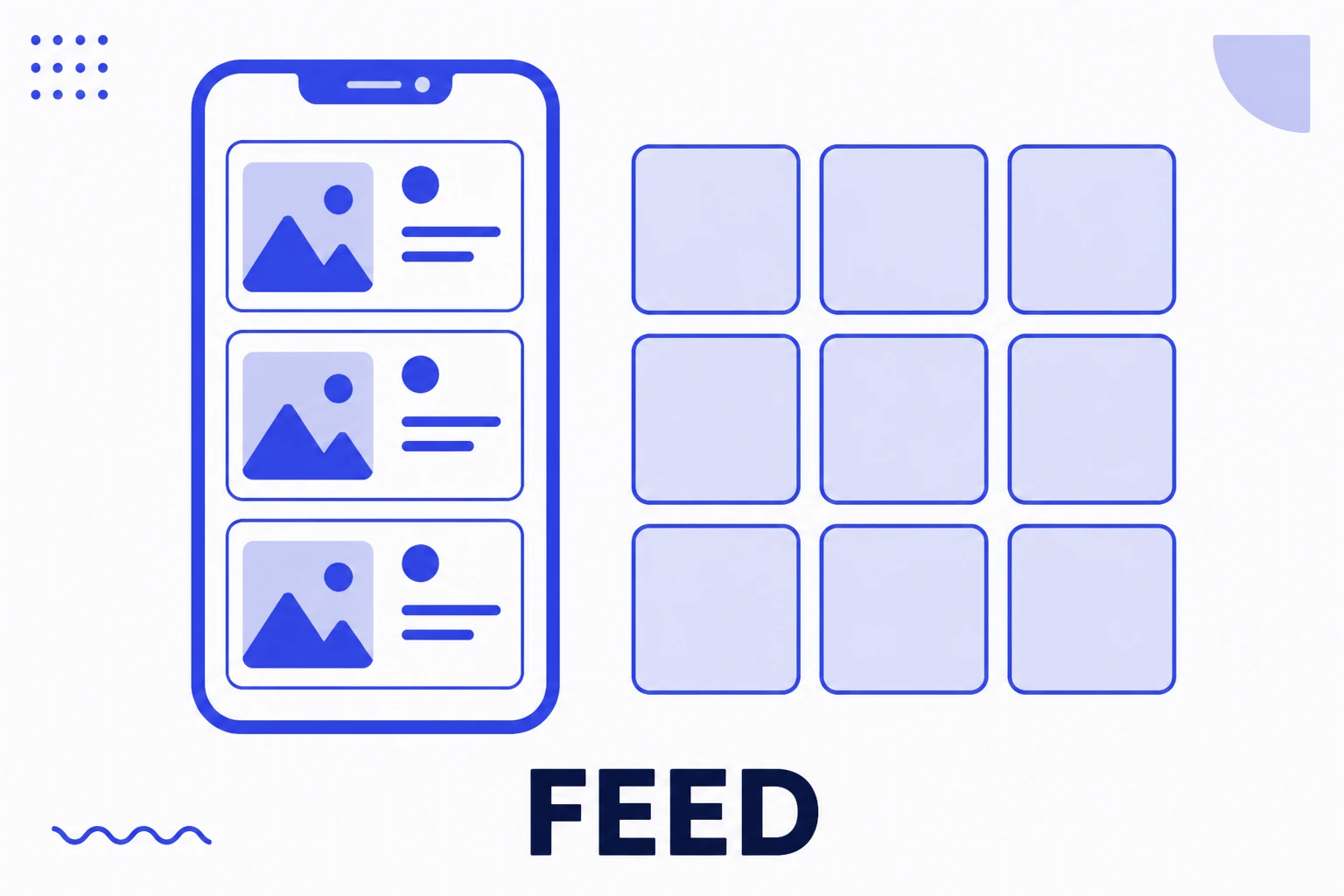
Feed
Feed is the word Instagram uses for two different things: the timeline you scroll through, and the permanent grid of your own profile. Posting to feed means creating a piece that stays on the profile forever, unlike Stories, which vanish in 24 hours. It is the platform's permanence format, and it remains where an account builds the impression someone forms on arrival.
Read the entry
Saves
A save is when someone files your post away to return to it later. It is a private interaction: it does not appear on the post, nobody but the saver knows, and you only see the aggregate total in insights. Precisely because it has no social component, it is one of the most honest signals available, since people save for their own usefulness rather than to be seen saving.
Read the entry
Opening slide
The opening slide is the first frame of a carousel, the cover appearing in the feed. It is the highest leverage element of the whole piece: if it does not stop the thumb, the other nine slides do not exist. And it has a particularity almost nobody considers, it appears in two different contexts, full size in the feed and as a thumbnail in the profile grid.
Read the entry
Reels
Reels is Instagram's short vertical video format, and the main distribution route to people who do not follow an account. Unlike a feed post, whose delivery depends heavily on the history between two accounts, a Reel is offered to whoever the system predicts is interested in the subject, which makes it the platform's most direct growth tool and also the most demanding on retention.
Read the entry