Instagram link clicks: where to find them and why the number never matches

By Tiago Costa·Updated on August 5, 2026

Definition
Link clicks is the number of taps on the clickable links of a profile and Stories.
- Covers the bio link, action buttons and the link sticker.
- It marks leaving the app, so it closes the internal funnel.
- It identifies nobody, it is an aggregate total.
- It never matches site analytics, and that is expected.
Where the number appears
In the insights of a professional account, under profile activity, you see taps on each clickable element: the bio link, the email button, the phone button, the directions button where they exist, and link sticker taps in Stories, which live in that Story's insights.
All of them are aggregate numbers. There is no way to know who clicked, and that is the same limitation as profile visits: Instagram does not expose identity for passive behaviour.
One detail that confuses people: not every profile has a clickable link in a post caption. That remains restricted to the bio, Stories and some formats, which is exactly why link-in-bio pages became a market standard.
Why the number never matches your site
Instagram says 300 clicks and your site analytics records 180. Neither is wrong, and the causes are well known:
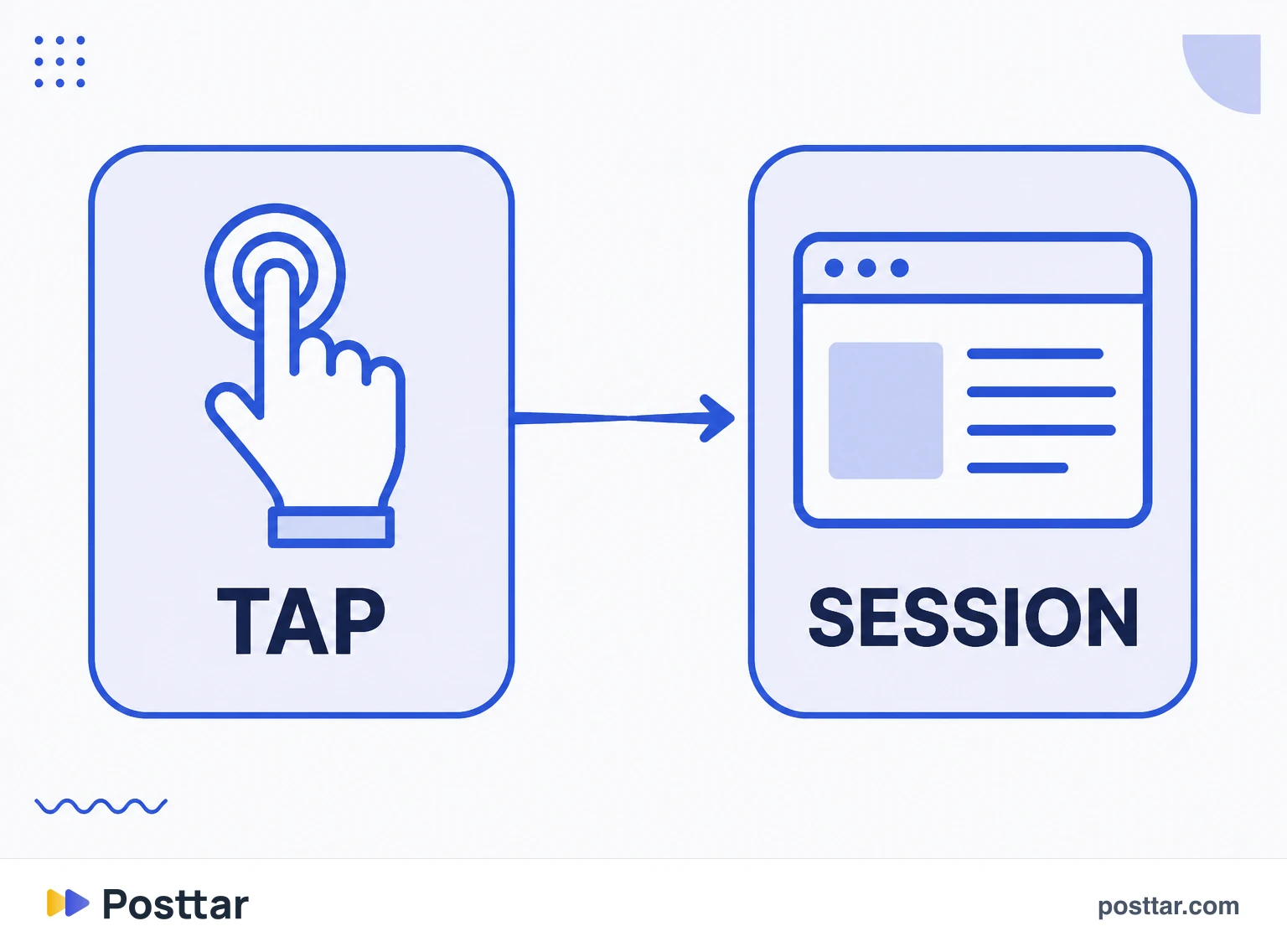
- Abandoning during load. The person taps and closes before the page opens. The tap counted, the session did not.
- In-app browser. The link opens inside the app, with cookies and scripts behaving differently.
- Tracking blocking. Privacy settings prevent your site analytics from firing.
- Double taps. Two quick taps can count twice on one side and produce a single session on the other.
- Session window. The same person returning within minutes counts as one session and two clicks.
The practical conclusion: use Instagram's number to compare posts against each other, and your site's number to measure conversion. Do not try to reconcile them.
How to track properly
Without parameters on the URL, all Instagram traffic lands in one bucket and you cannot tell whether it came from the bio, a Story or a campaign.
The fix is UTM: add parameters to the URL so analytics can split the source. A simple scheme that works:
- Source always the same, to group everything from Instagram.
- Medium distinguishing bio, Story and post.
- Campaign with the name of the action or the content, to compare pieces.
With that in place, your site number starts answering questions Instagram's number never will: how long those people stayed, what they did and how many bought.
What to do with the number
- Calculate clicks over profile visits. That is the bio conversion rate, and it depends on the copy and the button, not on the content that brought them.
- Compare Stories with each other. A link sticker performs very differently depending on which frame it appears in.
- Test the copy preceding the click. Changing the bio call is the cheapest change available.
- Do not compare against ad CTR. Different bases, and the comparison always favours the ad.

Checklist
- I know where each click type appears in insights.
- I do not expect the number to match my site analytics.
- I use UTM to separate bio, Story and campaign.
- I calculate clicks over profile visits, not over reach.
- I do not use tools promising to identify who clicked.
Frequently asked questions
What are Instagram link clicks?
They are the taps on clickable links belonging to the app: the bio link, profile action buttons and the Story link sticker. Insights show the aggregate total to the profile owner.
Does Instagram show when someone clicks your link?
It shows how many taps happened, never who made them. The number is aggregate, and Instagram does not expose the identity of that behaviour to anyone, including through the API.
Where do I see Instagram link clicks?
In the insights of a professional account, under profile activity for the bio link and action buttons. Link sticker taps live in the insights of the Story where the sticker was used.
Why does Instagram show more clicks than my website?
Because they measure different things. Instagram counts the tap; your site counts a loaded session. Between them sit abandonment during load, the in-app browser, tracking blocking and double taps. The gap is expected and does not indicate an error.
Does Instagram track link clicks?
It counts taps on links belonging to the app and shows the aggregate to the profile owner. It does not follow what the person does after leaving, which is exactly where your own site analytics takes over.
Related concepts

Profile visits
Profile visits is the number of times your profile page was opened during a period. It is the closest thing to an intent metric Instagram provides organically: nobody opens a profile by accident, and whoever does is deciding whether to follow, buy or click the link. The panel shows only the total, never who visited, and there is no legitimate way to find that out.
Read the entry
CTR
CTR stands for click-through rate: the percentage of times a clickable element was tapped relative to how many times it was displayed. It is a measure of call efficiency, not of product quality, and what counts as a good number varies so much across contexts that comparing CTR between channels is almost always a reading error.
Read the entry
Reach
Reach is the number of unique accounts that saw a piece of content at least once. Unlike impressions, it does not count the same person twice, so it measures the size of the audience touched rather than the volume of exposure. On Instagram, reach is reported per post and per period, and it can be split between followers and non followers, which is the reading that shows whether a profile is discovering new people or simply circulating among those who already follow it.
Read the entry
Impressions
Impressions are the total number of times a piece of content was displayed, including repeat views by the same person. Unlike reach, which counts unique accounts, an impression counts the display: if someone sees the same carousel three times, that is one account of reach and three impressions. The ratio between the two is frequency, and it is what shows whether content is circulating inside the same bubble or finding new people.
Read the entry