Jump cut: o corte que era erro no cinema e virou padrão da internet

Por Tiago Costa·Atualizado em 5 de agosto de 2026
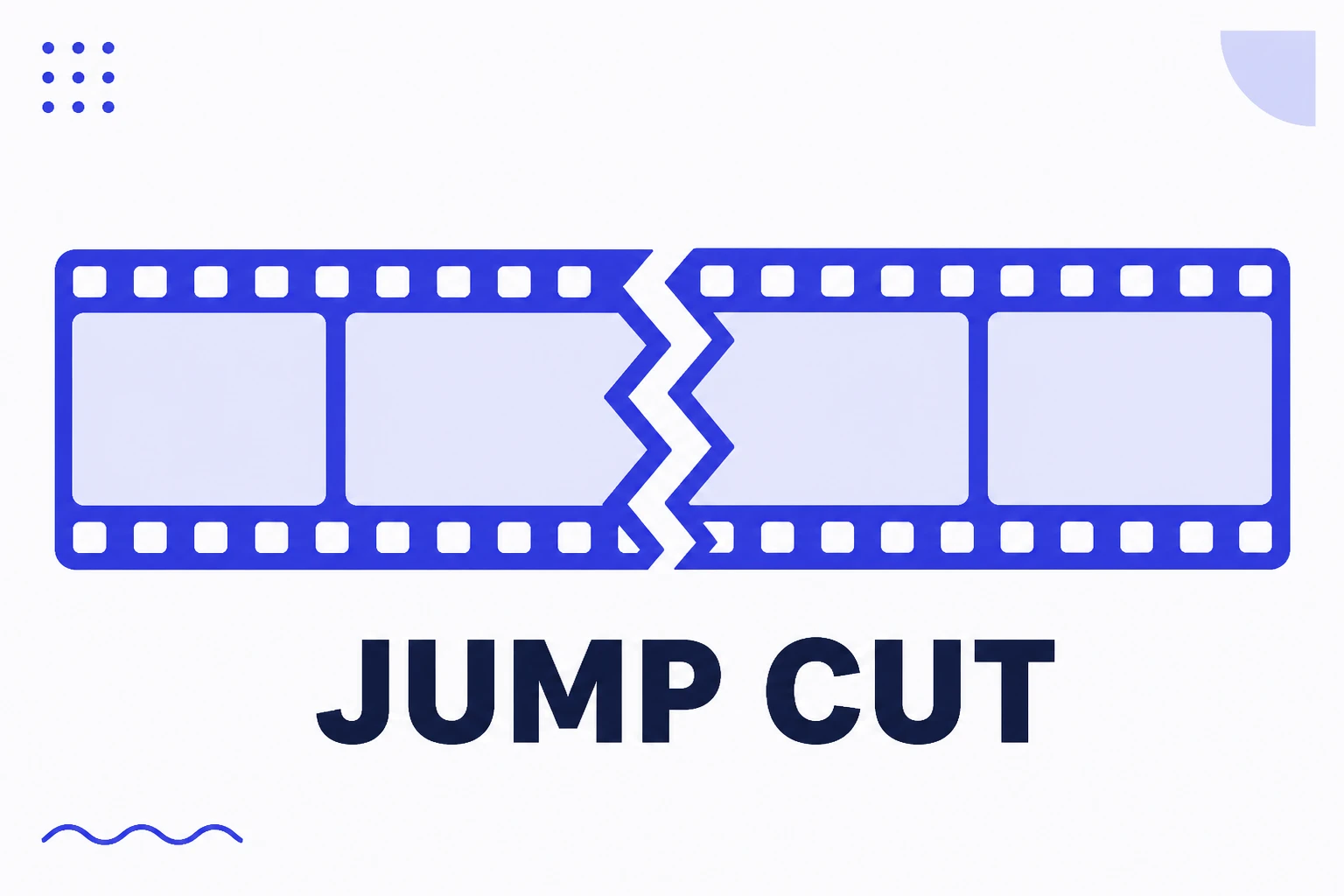
Definição
Jump cut é o corte dentro do mesmo plano que produz um salto visível.
- Era erro no cinema, virou padrão na internet.
- Remove pausa e divagação, mantendo o ritmo alto.
- B-roll suaviza quando o salto incomoda.
- Em excesso cansa e impede entender o que é dito.
O que é, e por que era erro
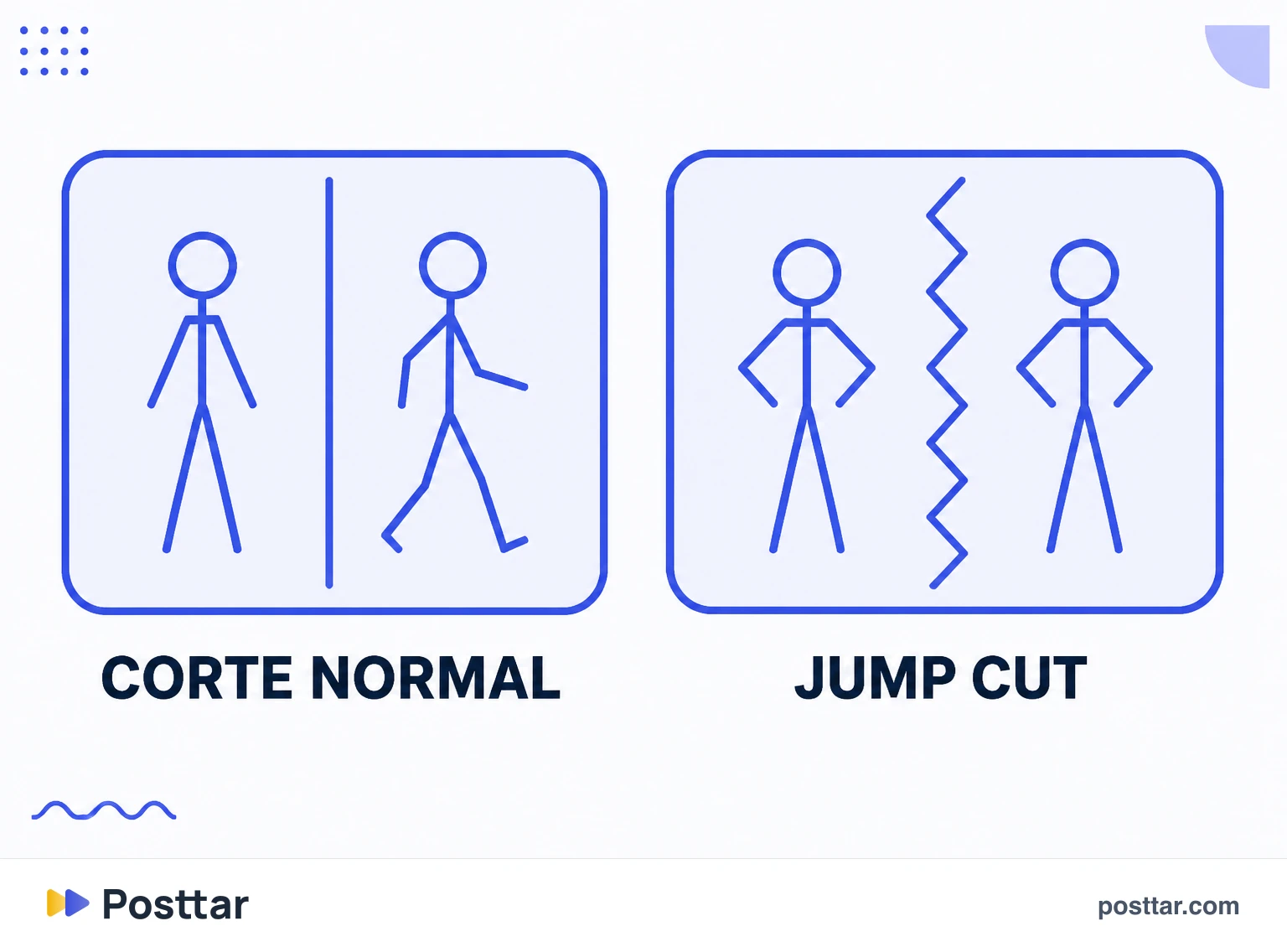
Um corte normal muda de plano: outro ângulo, outro enquadramento. Um jump cut corta dentro do mesmo plano, tirando um pedaço do meio. Como a câmera e o cenário são idênticos e só o assunto se moveu, a imagem parece pular.
A gramática clássica do cinema tratava isso como falha de continuidade, porque quebra a ilusão de tempo contínuo e lembra o espectador de que existe uma montagem ali.
A internet inverteu o julgamento. Quando a atenção é o recurso escasso, lembrar que há edição custa menos do que manter três segundos de silêncio no ar.
Por que virou padrão
Não é moda estética, é consequência direta da métrica que governa o formato.
Em vídeo curto, a retenção decide a distribuição. Cada segundo sem informação nova é uma chance de a pessoa deslizar. O jump cut permite:
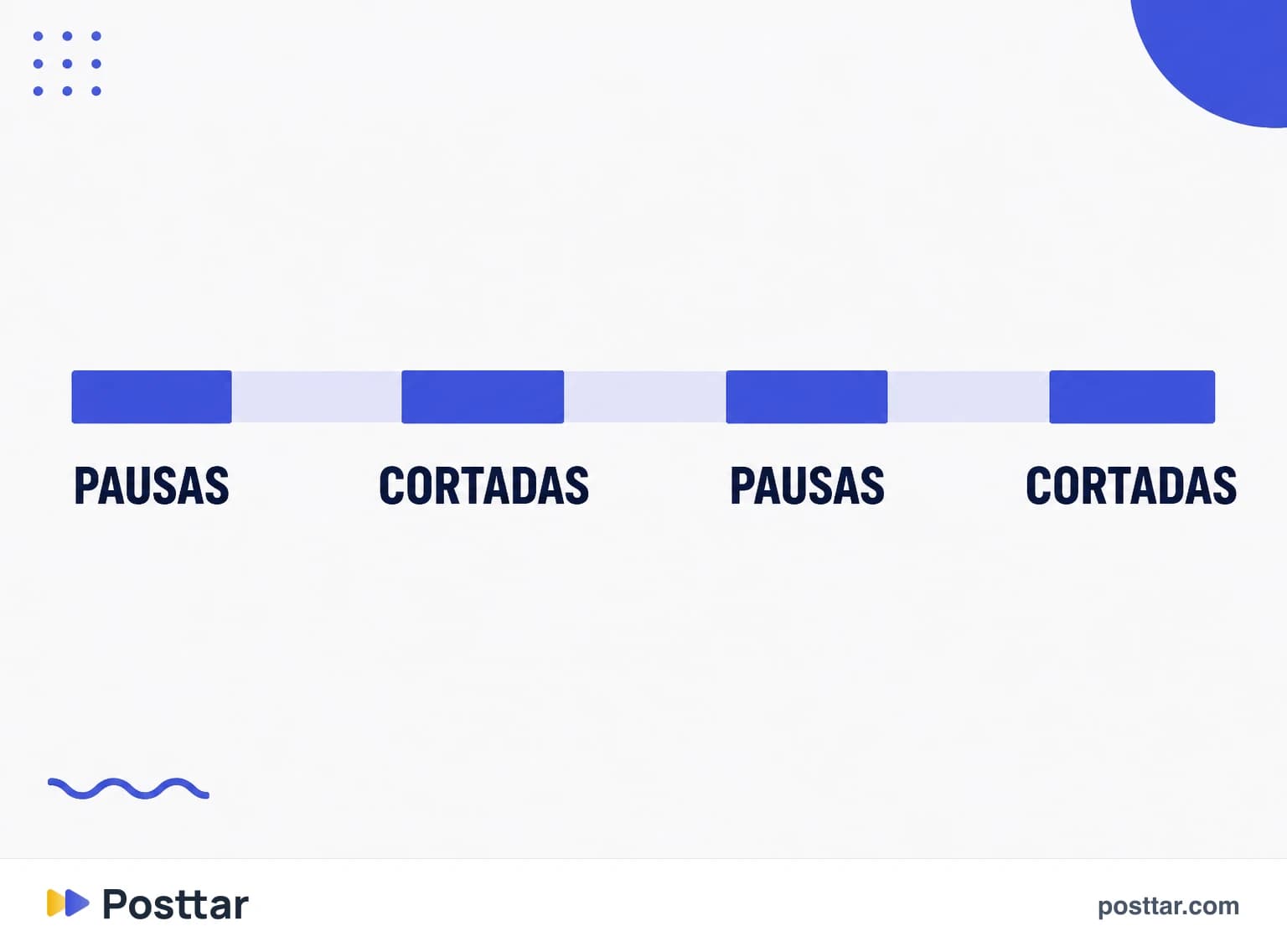
- Remover toda pausa. Respiração, hesitação, "então", "assim".
- Cortar a divagação. Gravar solto e manter só o que presta.
- Densificar a informação. Dizer em vinte segundos o que levaria quarenta.
O efeito colateral virou linguagem própria: o ritmo picotado hoje comunica "conteúdo direto ao ponto" antes mesmo de a primeira frase terminar.
Como suavizar
Quando o salto incomoda, há quatro saídas, da mais simples à mais trabalhosa:
- Cobrir com b-roll. A solução mais usada e a melhor: o corte continua ali, mas ninguém vê.
- Mudar levemente o enquadramento. Aproximar ou afastar um pouco no corte transforma o jump cut em algo próximo de uma troca de plano.
- Manter o áudio contínuo. Se a fala não salta junto com a imagem, o corte fica muito menos perceptível.
- Cortar na palavra, não no silêncio. Emendar no meio de uma frase disfarça mais do que emendar na pausa.
Quando passa do ponto
Existe um limite, e ultrapassá-lo cobra caro:
- Corte a cada meio segundo. Produz sensação de ansiedade e impede o entendimento. A pessoa sai não por tédio, mas por cansaço.
- Nenhum ar em conteúdo que precisa de pausa. Assunto delicado, história emocional e explicação complexa pedem respiro. Cortar tudo achata o tom.
- Cortar no meio do raciocínio. Remover o "porque" para ganhar meio segundo destrói o argumento.
A régua útil é a do conteúdo, não a do ritmo: corte tudo que não acrescenta, e mantenha tudo que acrescenta, mesmo quando for uma pausa.
Checklist
- Cortei pausa e hesitação, não conteúdo.
- Cubro com b-roll os saltos que incomodam.
- O áudio segue contínuo por baixo dos cortes.
- Mantive respiro onde o assunto pede.
- O ritmo é rápido, não frenético.
Perguntas frequentes
O que é um jump cut?
É o corte feito dentro do mesmo plano, removendo um trecho e emendando o que sobra, o que produz um salto visível na imagem. A câmera e o cenário continuam iguais, então o assunto parece pular.
Qual a diferença entre jump cut e corte normal?
Um corte normal muda de plano, com outro ângulo ou enquadramento, e a mudança é lida como natural. O jump cut corta dentro do mesmo plano, então a imagem salta e a montagem fica visível.
Para que serve o jump cut?
Para remover pausas, hesitações e divagação, mantendo a densidade de informação alta do começo ao fim. Em vídeo curto isso é decisivo, porque cada segundo sem informação nova é uma chance de a pessoa deslizar.
Como fazer jump cut sem ficar estranho?
Cubra o corte com b-roll, mude levemente o enquadramento entre um trecho e outro, mantenha o áudio contínuo por baixo e prefira emendar no meio de uma frase em vez de no silêncio.
Jump cut demais atrapalha?
Atrapalha. Corte a cada meio segundo produz cansaço e impede o entendimento, e conteúdo delicado ou complexo precisa de respiro. A régua é o conteúdo: corte o que não acrescenta e mantenha o que acrescenta, mesmo sendo pausa.
Conceitos relacionados
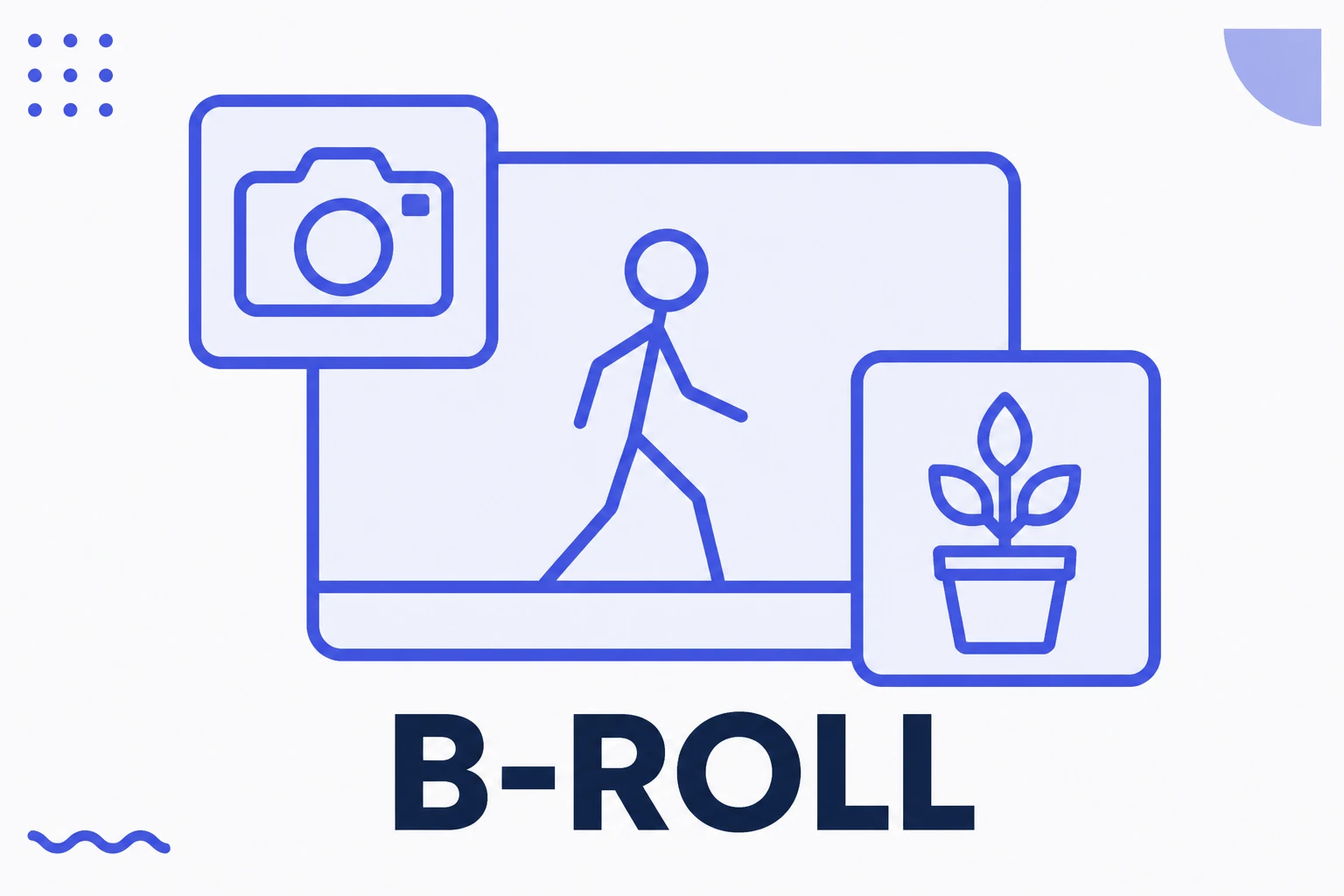
B-roll
B-roll é todo material de imagem que não é a fala principal: as tomadas de apoio que aparecem por cima da narração para ilustrar, dar contexto ou simplesmente quebrar a monotonia visual. O nome vem da era do cinema em película, quando o rolo A trazia a cena principal e o rolo B trazia o material complementar. É o recurso mais barato de retenção que existe.
Ler o verbete
Talking head
Talking head é o formato de vídeo em que alguém fala diretamente para a câmera, enquadrado do peito para cima. É o formato mais antigo e mais simples que existe, e continua sendo o que mais converte em conta profissional, porque é o único em que a audiência vê o rosto, escuta a voz e forma vínculo com uma pessoa em vez de com um perfil.
Ler o verbete
Roteiro
Roteiro é o documento que define o que será dito e mostrado num vídeo antes de a gravação começar. Em conteúdo curto ele quase nunca é lido palavra por palavra, mas escrever antes muda o resultado de qualquer forma: obriga a decidir o gancho, corta a divagação e reduz o número de tomadas. A conta é simples, um roteiro custa dez minutos e economiza uma hora de edição.
Ler o verbete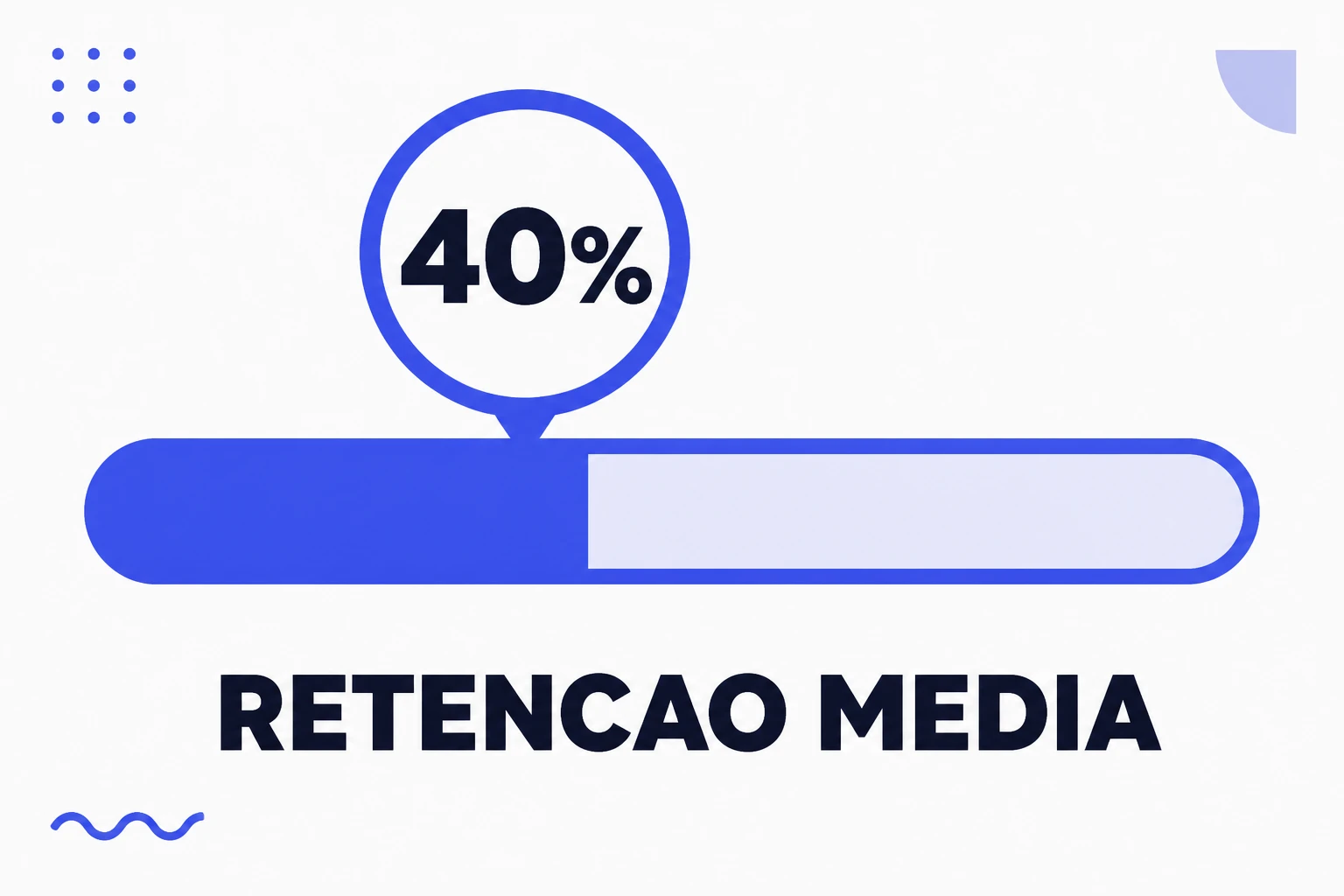
Retenção média
Retenção média é o percentual do vídeo que as pessoas assistiram, em média, antes de sair. É a versão percentual do tempo de visualização, e existe para tornar vídeos de durações diferentes comparáveis. Ela cai naturalmente conforme o vídeo fica mais longo, o que significa que comparar um Reel de dez segundos com um de um minuto pelo mesmo número é uma leitura errada.
Ler o verbete