Instagram comments: what they signal and how to earn them

By Tiago Costa·Updated on August 5, 2026

Definition
A comment is the interaction where someone writes publicly under a post.
- It costs time and exposure, so it weighs more than a like.
- It creates conversation. Replying reopens the post for the commenter.
- It is public and becomes visible social proof.
- It can be moderated, with word filters and pinned comments.
Why comments weigh more
Writing something under a public post takes two things liking does not: time and willingness to be seen. That cost is exactly what makes a comment a more reliable signal that the content moved someone.
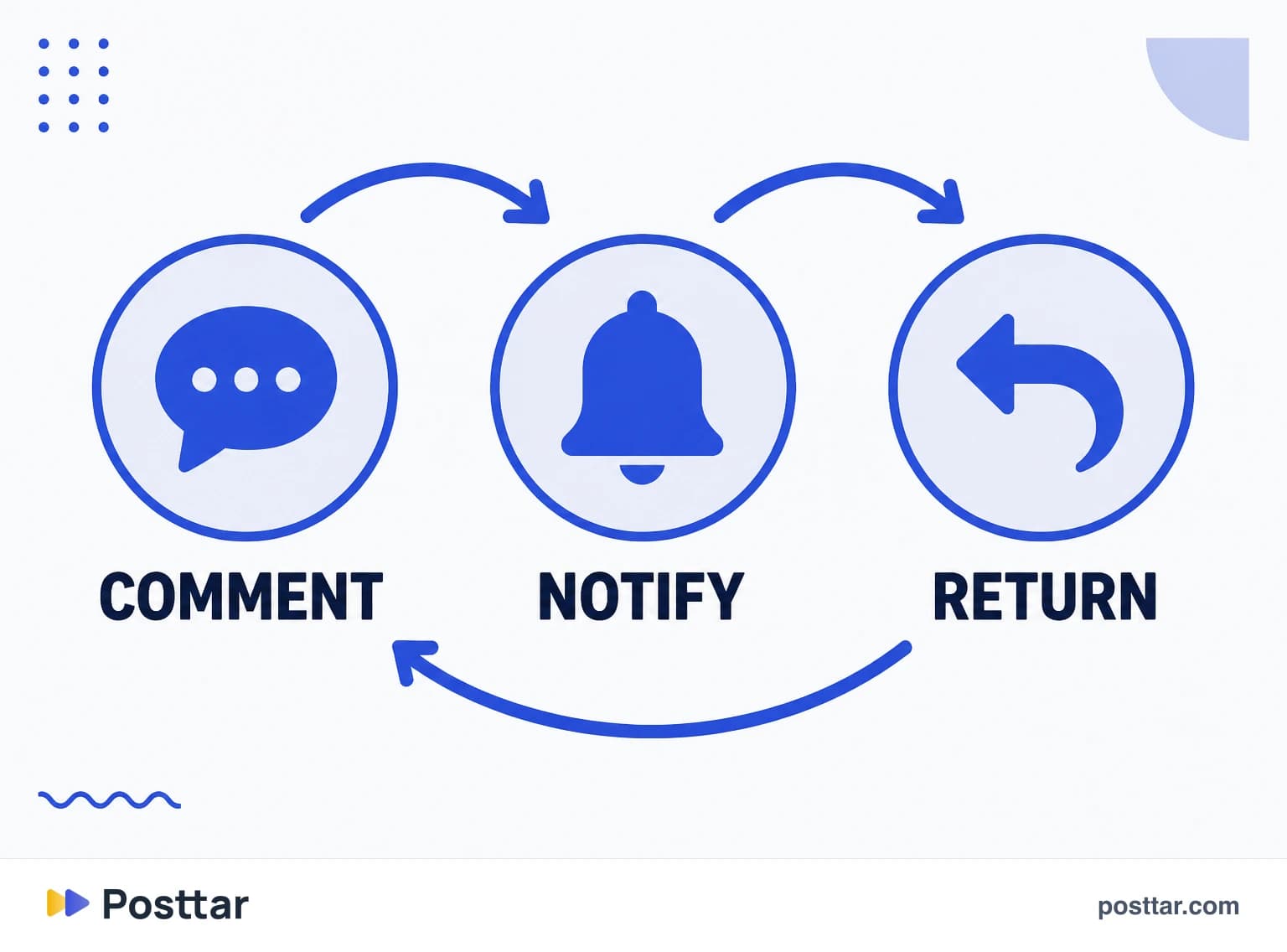
It also feeds a cycle no other interaction feeds. When you reply, the person gets a notification, returns to the post and frequently interacts again. The post gains activity hours after publishing, which helps delivery.
That is why an engagement reading that sums everything into one number loses information. A comment and a like are not the same currency.
How to earn comments without bait
Engagement bait, the "comment YES if you agree" kind, is downranked by the platform and recognised by the audience. What works is creating the condition for a comment to exist.
- Leave an implicit question. A post that closes the subject completely gives no reason to write.
- Take a position. Lukewarm content draws no reply; content with a clear opinion draws agreement and disagreement.
- Ask for one specific, easy thing. "Which of these five do you use" beats "what did you think".
- Reply to everyone in the first hours. That is when a reply still generates a return visit.
- Pin the right comment. A pinned comment with a follow-up or a call steers the conversation.
Moderation is part of the job
Comments are the only open field on a post, so they are also the door for spam, service pitches and abuse. The native tools handle most of it:
- Hidden words. A filter that hides comments containing terms you define, plus a default offensive list.
- Restrict. Limits someone's visibility without blocking and without notifying them.
- Comment controls. You can limit commenting to followers or to people you follow.
- Turn off comments on a specific post, when the topic calls for it.
Worth stating the obvious that gets forgotten: deleting a legitimate negative comment usually costs more than answering it well in public.
When the number misleads
- Bot comments. Loose emoji and generic phrases in series, unrelated to the content. They raise the number and move nothing.
- Mass tagging. People tagging friends in a giveaway inflate the total without indicating interest in the subject.
- Controversy. A post that sparks argument shows high comments and frequently negative signal alongside, which hurts the next delivery.
- Comparing accounts of different sizes. An absolute total always favours the bigger profile; use a rate.

Checklist
- I separate comments from likes in my reading instead of summing everything.
- I reply in the first hours, when a reply still brings the person back.
- I have a word filter configured before I need it.
- I do not use engagement bait.
- I check whether high volume came from real conversation or from serial tagging.
Frequently asked questions
Why is Instagram not showing comments?
The most common causes are a hidden words filter catching the comment, a restriction applied to the commenting account, comments limited to followers, or a temporary app issue. Check the profile's comment settings before assuming it was a platform failure.
What is going on with Instagram comments disappearing?
A comment can vanish for the author of the post while still being visible to whoever wrote it, which is exactly how the restrict feature behaves. The hidden words filter produces the same effect, and it catches more than people expect because it includes a default list.
Do comments help reach on Instagram?
Yes, and more than likes, because commenting costs time and exposure. On top of that, replying generates a second wave of activity on the post hours after publishing, which helps delivery.
Who sees my comments on Instagram?
On public posts, anyone who can see the post can see your comment. There is no consolidated public list of every comment you have written, but each one is visible on the post where it was left.
Is it worth replying to every comment?
In the first hours, yes, because that is when a reply still brings the person back to the post. After that the return drops, and the priority becomes answering people who asked a real question or who look like potential customers.
Related concepts

Engagement
Engagement is the set of interactions people have with a piece of content: likes, comments, saves and shares, plus Story replies and mentions. It is an absolute count, not a percentage, which is why it only makes sense against a base, either reach or follower count. The four interactions are not equal: the ones that cost the viewer more effort are the ones that push distribution hardest.
Read the entry
Likes
A like is the simplest interaction on Instagram: one tap that records approval, with no cost in time or exposure for the person doing it. Because it is cheap, it is the most abundant interaction and, at the same time, the weakest as a quality signal. It remains useful as a fast thermometer and as visible social proof, but judging content by likes alone means reading the metric that least separates a good post from a mediocre one.
Read the entry
Saves
A save is when someone files your post away to return to it later. It is a private interaction: it does not appear on the post, nobody but the saver knows, and you only see the aggregate total in insights. Precisely because it has no social component, it is one of the most honest signals available, since people save for their own usefulness rather than to be seen saving.
Read the entry
Engagement rate
Engagement rate is the percentage of people who interacted with a piece of content relative to a comparison base. Two formulas are in common use: interactions divided by followers, which measures how the base responds, and interactions divided by reach, which measures the quality of delivery. They answer different questions and produce different numbers for the same post, so the thing that matters is stating which one you used before comparing anything.
Read the entry