Collab post: the only way to add two audiences to the same post

By Tiago Costa·Updated on August 5, 2026

Definition
A collab post makes one post appear on the profile of two or more accounts.
- It adds the audiences, distributing to everyone's followers.
- Shared metrics. Likes and comments are the same.
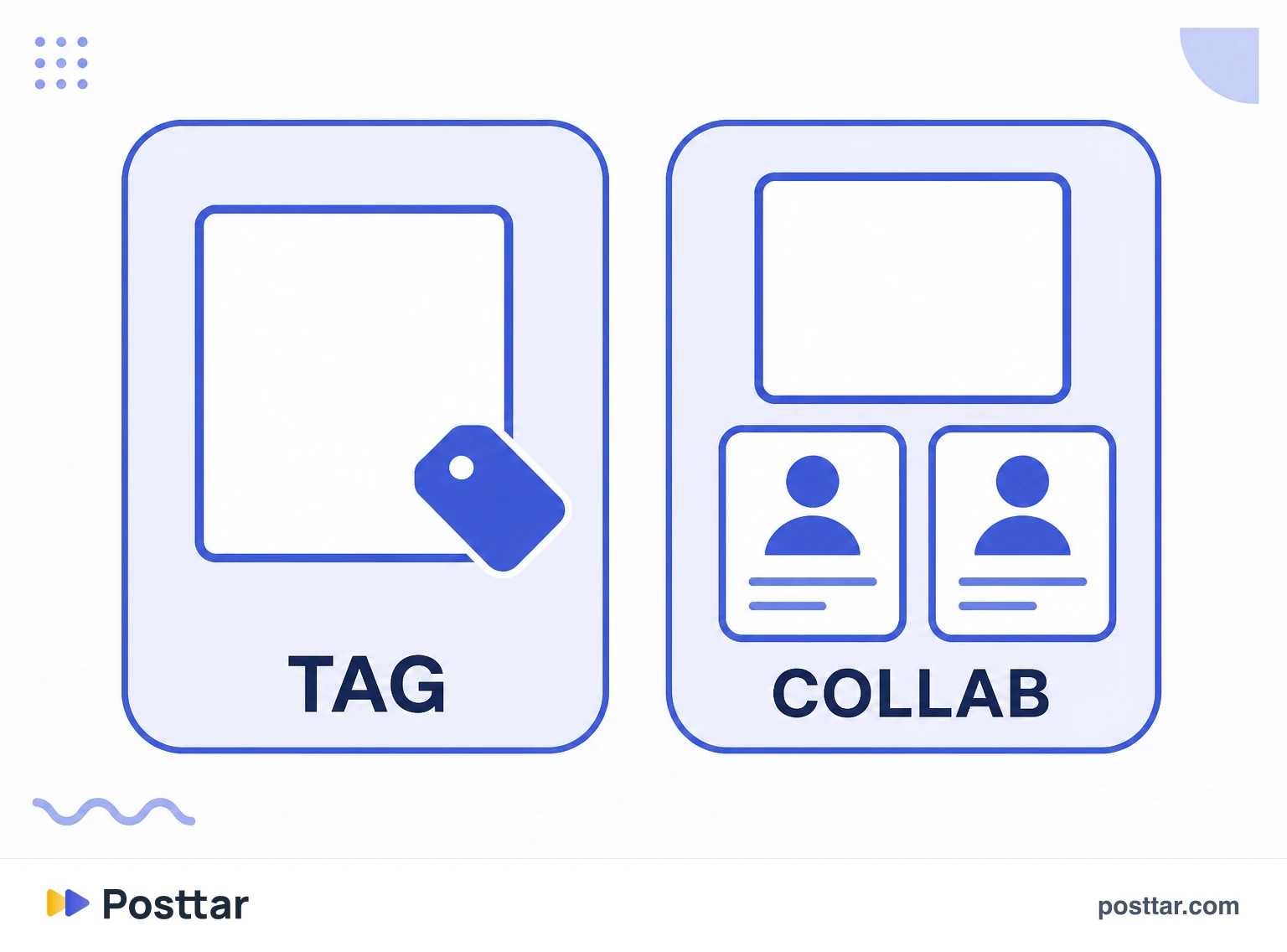
- Different from tagging, which does not distribute to the tagged account's base.
- It requires acceptance, and the invitee can remove it later.
What it does and what it is not
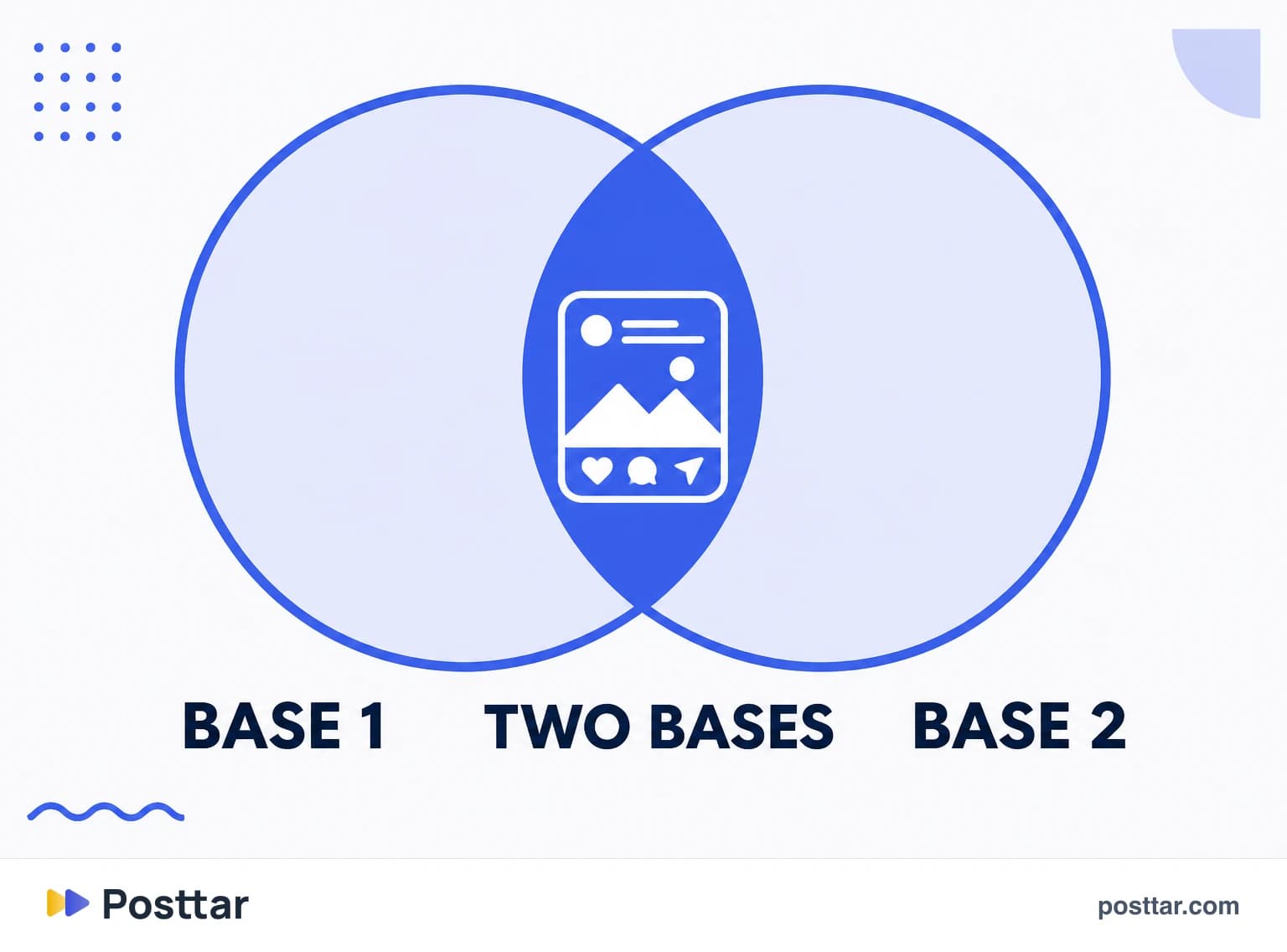
In a collab post, the content appears in the grid of every account involved, with the names side by side in the header, and the metrics are a single set: the same likes, the same comments and the same aggregate reach.
Worth separating from two neighbours that cause confusion:
- Tagging someone in a photo. The post lands in the tagged account's photos-of-you tab but is not distributed to their followers.
- Reposting. It creates a new piece with separate metrics, and it runs into originality policy.
Only collaboration makes distribution add up. Which is why it is, in practice, the most legitimate growth shortcut available.
How to do it
In the new post flow, on the final screen before publishing, there is a tag people option, and inside it the option to invite a collaborator. You pick the account, publish, and they receive an invitation.
Three things follow from that:
- The post only appears on the other profile after acceptance. Until then it lives only on yours.
- Whoever accepted can remove it later, and if they do the post leaves their grid and becomes yours alone.
- You can invite more than one account, depending on the format and the app version.
When the option does not appear
It is one of the most frequent searches about the feature, and the causes are usually mundane:
- Outdated app. The most common cause of all.
- Unsupported format. Not every post type accepts collaboration, and that changes over time.
- A private account on one side, which limits distribution and sometimes the feature.
- An active restriction on the account. Worth checking the account status screen.
- Already published. The invitation happens at creation; you cannot add a collaborator to an old post.
How to use it well
- Pick a similar audience, not a direct competitor. The gain comes from adjacent, not identical, publics.
- Agree beforehand. An unannounced invitation frequently goes unaccepted, and the post ends up lopsided.
- Mind the cover. It will sit in both profile grids and has to make sense in both contexts.
- Align the hook. The content has to serve both bases, otherwise one of them does not interact and the post performs worse than it would alone.
- Measure by non follower reach. That is where the collaboration effect actually shows.
Checklist
- I agreed the collaboration before sending the invite.
- The cover works in both profile grids.
- The content interests both audiences, not just mine.
- I know a collaborator cannot be added after publishing.
- I measure the result by non follower reach.
Frequently asked questions
How do you do a collab post on Instagram?
In the new post flow, on the final screen before publishing, open the tag people option and choose invite collaborator. After you publish, the other account receives an invitation, and the post only appears on their profile once they accept.
Do collab posts show up on both feeds?
Yes, and that is the whole point. After acceptance, the post is distributed to the followers of every collaborator, so the same piece reaches two bases instead of one.
Why can't I do collab posts on Instagram?
The most common causes are an outdated app, a post format that does not support the feature, a private account on one side, or an active restriction. It is also impossible to add a collaborator to a post that is already published.
What is the difference between a collab and a repost?
A collab makes one single post appear on both profiles with shared metrics and combined distribution. A repost creates a new piece with separate metrics, and it runs into the originality policy that reduces distribution for unmodified third party content.
Can the other person remove a collab post?
Yes. Whoever accepted the invitation can remove themselves later, and the post leaves their grid and goes back to being yours alone. The content itself is not deleted.
Related concepts
Feed
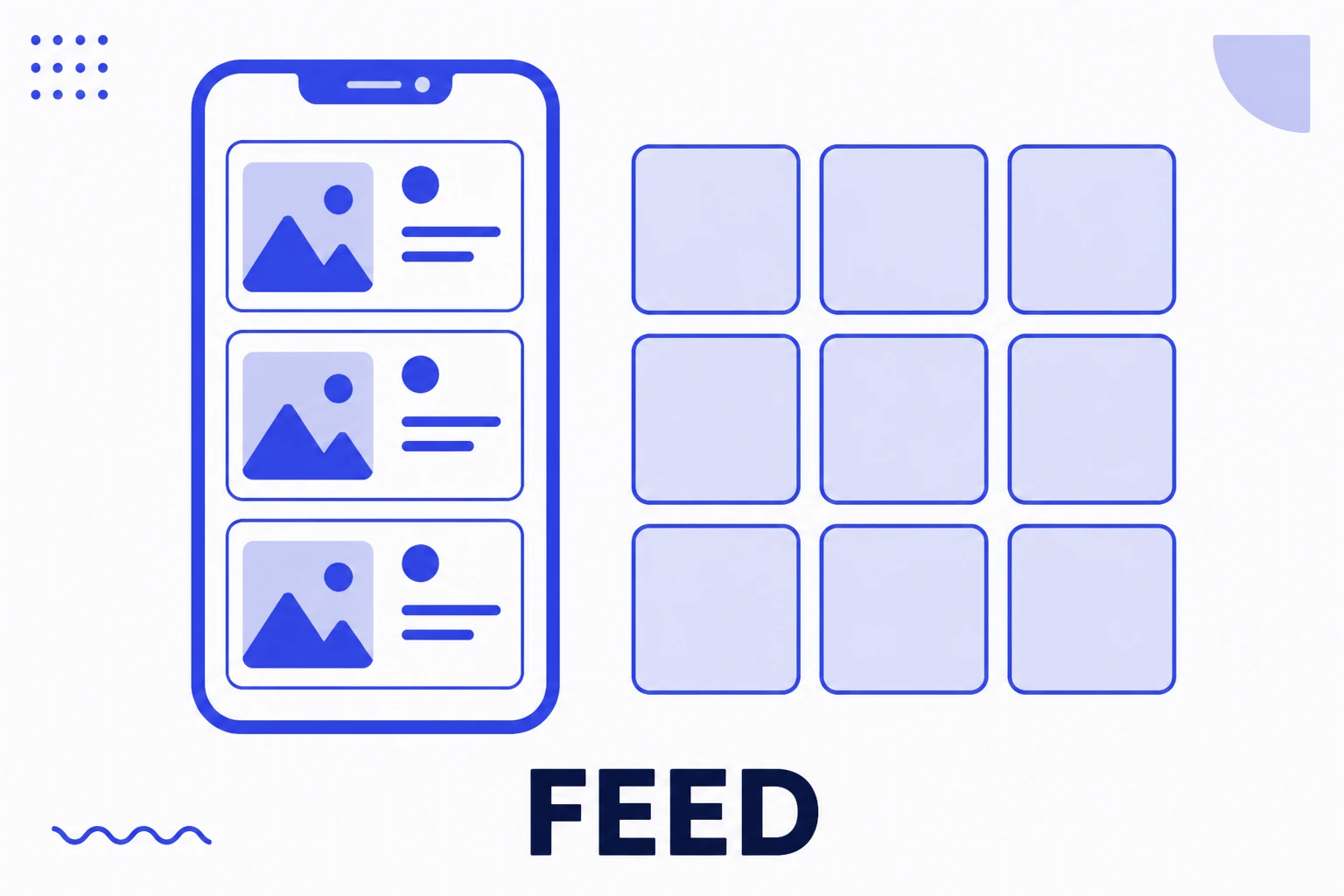
Feed is the word Instagram uses for two different things: the timeline you scroll through, and the permanent grid of your own profile. Posting to feed means creating a piece that stays on the profile forever, unlike Stories, which vanish in 24 hours. It is the platform's permanence format, and it remains where an account builds the impression someone forms on arrival.
Read the entry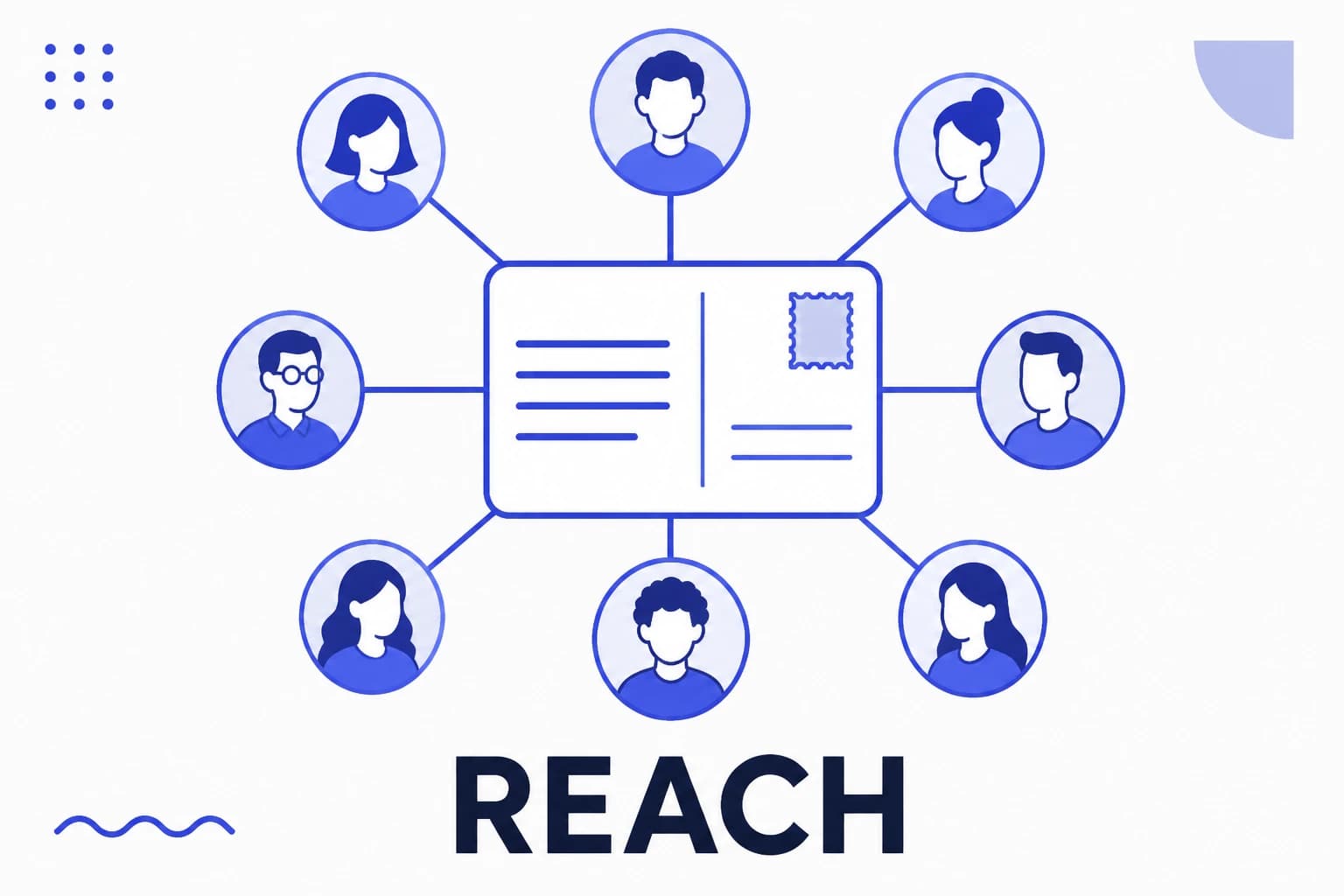
Reach
Reach is the number of unique accounts that saw a piece of content at least once. Unlike impressions, it does not count the same person twice, so it measures the size of the audience touched rather than the volume of exposure. On Instagram, reach is reported per post and per period, and it can be split between followers and non followers, which is the reading that shows whether a profile is discovering new people or simply circulating among those who already follow it.
Read the entry
Paid partnership
Paid partnership is Instagram's official label identifying content as advertising, showing "Paid partnership with" and the brand name below the publisher's name. It satisfies the legal duty to disclose advertising, gives the brand access to that post's metrics, and is what allows the creator's post to be turned into a paid ad running from the creator's own profile.
Read the entry
Influencer
An influencer is someone able to move other people's decisions within a subject, whether about purchases, opinions or behaviour. The market organises the category into follower tiers, and that division is useful for budgeting, but it describes audience size rather than influence. There are million follower accounts that sell nothing and five thousand follower accounts that clear stock.
Read the entry