Instagram Insights: what the panel gives, what it hides and what it erases

By Tiago Costa·Updated on August 5, 2026
Definition
Instagram Insights is the native metrics panel for professional accounts.
- It is free and requires a business or creator account.
- It covers profile, posts, Stories and Reels.
- It has a short data window. History disappears unless you export.
- It never identifies people. Everything is aggregate.
How to enable it and where it lives
Insights only exists on a professional account, business or creator. The switch happens in your own profile settings, it is free and reversible, and it does not move your account or delete content.
Once enabled, the panel appears at two levels: on the profile, with a period selector, and on each post, with that piece's numbers. Reels and Stories have their own panels, with video and sequence metrics.
One thing that differs by type: creator accounts have some partnership-oriented views and business accounts have shop and contact features. For content metrics, both deliver practically the same.
What it gives you
| Level | Main numbers |
|---|---|
| Profile | accounts reached, accounts engaged, profile visits, link clicks, follower gains and losses |
| Post | reach, views, likes, comments, saves, shares |
| Reels | watch time, retention, curve, replays |
| Stories | taps forward and back, exits, replies, sticker taps |
| Audience | demographics and activity hours |
What it does not give, and never has: any calculated rate. Engagement rate, reach rate and frequency come from calculations left to whoever is analysing.
The data window erases your history
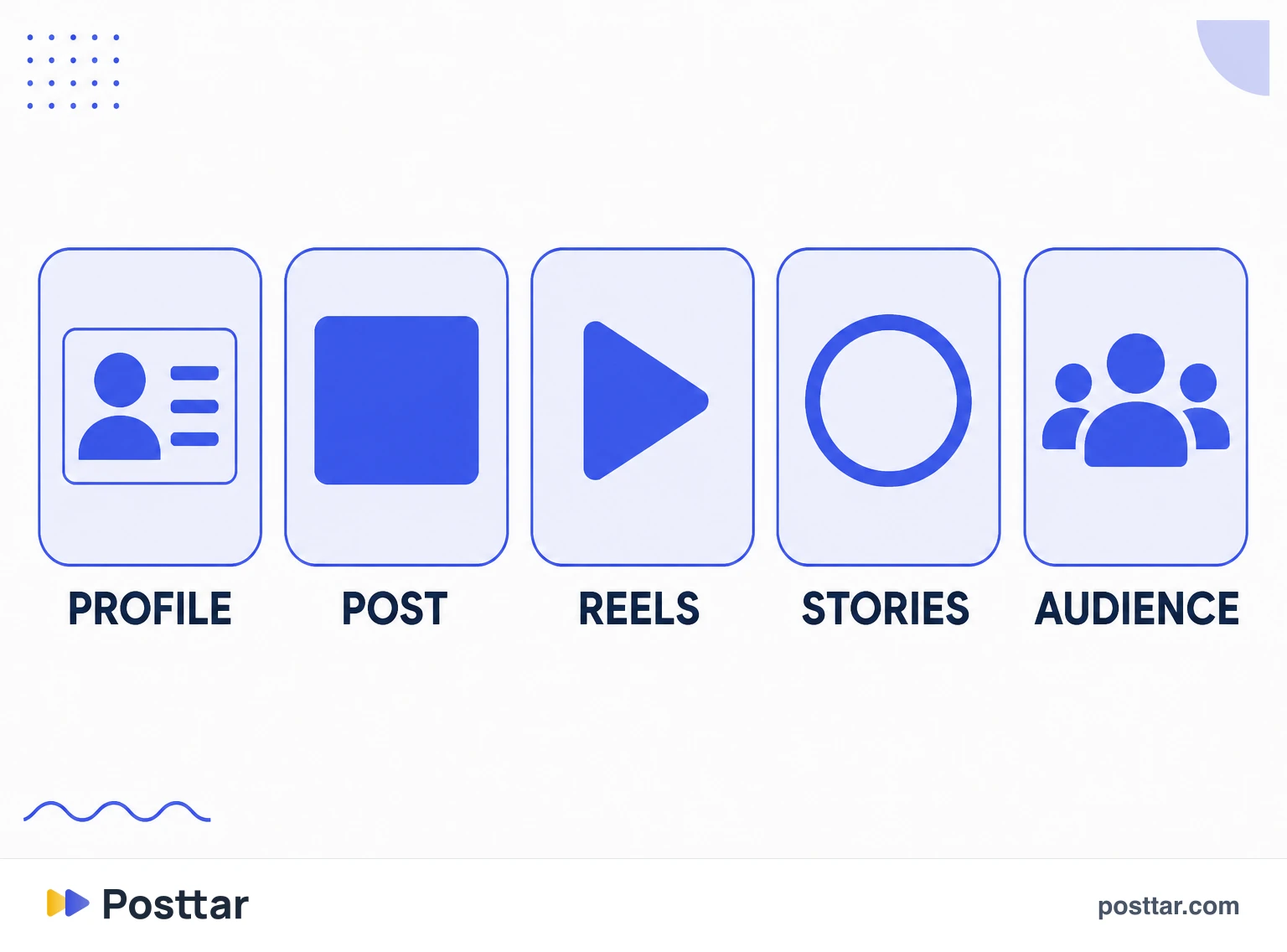
This is the limitation that costs the most and that fewest people notice in time. The panel keeps a limited period, and whatever falls outside that window disappears. It is not archived anywhere, cannot be recovered later, and there is no retroactive export request.
In practice that means any long-series analysis depends on you having recorded the numbers while they existed. Comparing this month with the same month last year is impossible if nobody wrote it down.
The fix is simple and boring: export regularly, or use a tool that collects and stores. It is not sophistication, it is insurance against losing data that does not come back.
What it will never show
Worth listing at once, because these are the most searched questions about the panel and they all share the same answer.
- Who visited your profile. It does not exist in any version, nor through the API.
- Who saved or shared. Only the aggregate total.
- Who unfollowed. Only the number of losses in the period.
- Another profile's insights. The panel is your account's. From outside you only see what is public.
The one partial exception is Stories, where the list of who viewed each frame is visible to the publisher, and that is about the Story, not the profile.
Checklist
- My account is professional, otherwise the panel does not exist.
- I export or record numbers regularly, because of the data window.
- I know no rate comes ready, and I calculate my own.
- I do not look for identity: the panel is aggregate by definition.
- I compare periods of the same length.
Frequently asked questions
What are Instagram Insights?
It is the native metrics panel for professional Instagram accounts. It gathers reach, views, interactions, audience data and profile activity, both at account level and for each individual post.
Is Instagram Insights free?
Yes. You just need a professional account, business or creator, and the switch is free and reversible in profile settings. There is no paid version of the native panel.
Does Instagram Insights tell you who views your profile?
No. It shows how many visits the profile received in the period, never who they were. That information does not exist in any version of the panel or in the API, and apps promising the list do not have access to it.
What happened to my Instagram Insights history?
The panel keeps a limited data window. Anything outside it is erased and cannot be recovered later. Anyone needing a long series has to export the numbers regularly or use a tool that records them over time.
Can I see another profile's insights?
No. The panel belongs to your own account. From outside you can only see what is public, such as likes and comments when the count is not hidden, and estimate rates from that.
Related concepts
Meta Business Suite
Meta Business Suite is Meta's free hub that brings publishing, messages and metrics for Instagram and Facebook into one place, accessible via browser and its own app. It handles three things the Instagram app handles poorly: scheduling ahead, answering messages from both channels in one inbox, and reviewing metrics on a large screen over longer periods. What it does not handle is anything that depends on a feature exclusive to the app.
Read the entry
Accounts reached
Accounts reached is the number of distinct accounts that saw any content from your profile in the selected period. It is the same idea as reach, applied to the whole profile instead of a single post: each person counts once, even if they saw ten posts, a Story and a Reel. That is why the number is never the sum of your posts' reach, and is always lower than it.
Read the entry
Profile visits
Profile visits is the number of times your profile page was opened during a period. It is the closest thing to an intent metric Instagram provides organically: nobody opens a profile by accident, and whoever does is deciding whether to follow, buy or click the link. The panel shows only the total, never who visited, and there is no legitimate way to find that out.
Read the entry
Audience demographics
Audience demographics are the aggregate characteristics of the people following a profile: age band, gender, city, country and peak activity hours. Instagram provides them only to professional accounts and only above a minimum follower count, always aggregated and never individual. The most useful reading is not the snapshot of your base, it is the difference between who follows you and who you are reaching.
Read the entry